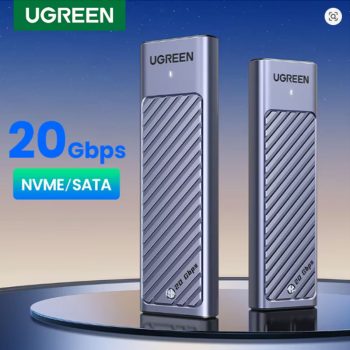
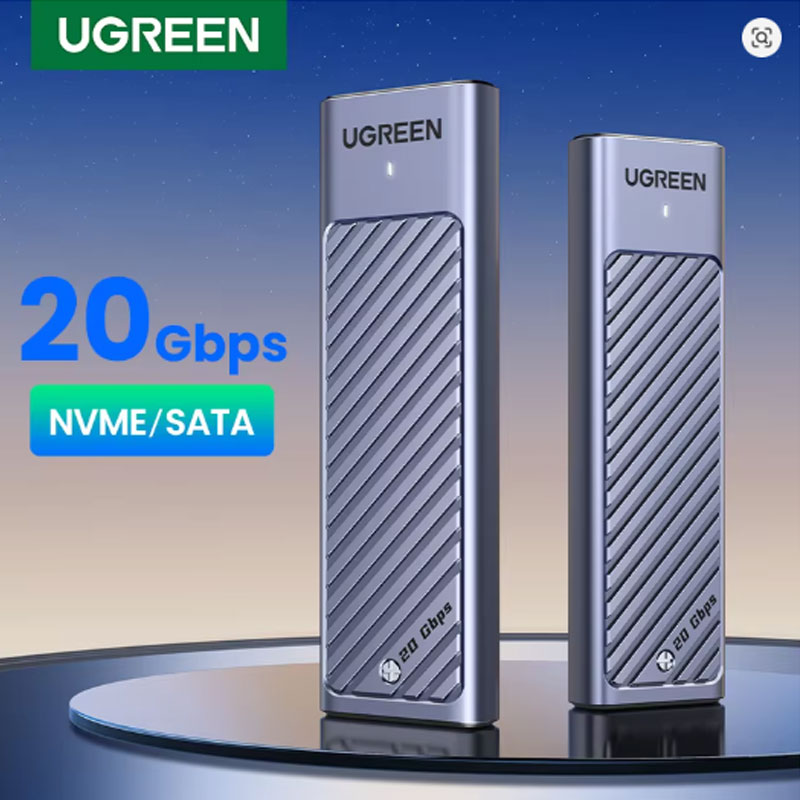
UGREEN M.2 SSD Enclosure 20Gbps USB 3.2 Gen2

Convert your M.2 NVMe or SATA SSD into a high-speed external drive with the UGREEN M.2 SSD case. Features 20Gbps USB 3.2 Gen2, USB-C interface, and supports M & B&M key SSDs. Compact, tool-free, and ultra-fast.

UGREEN M2 SSD Case – 20Gbps NVME/SATA Dual Protocol Enclosure – Aluminum M.2 SSD Adapter Tool-Free for 2230/2242/2260/2280 SSDs
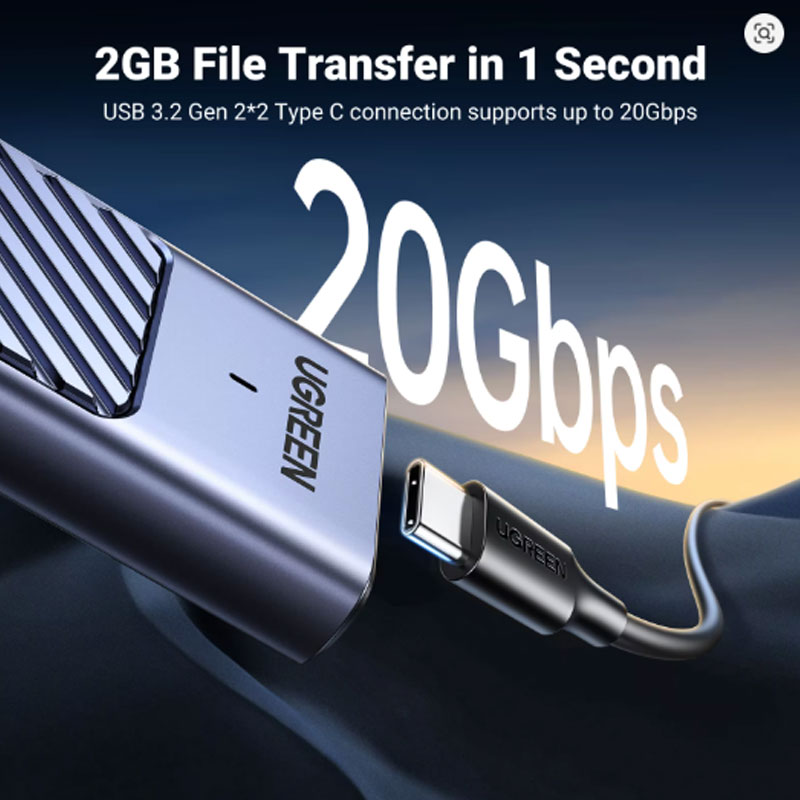
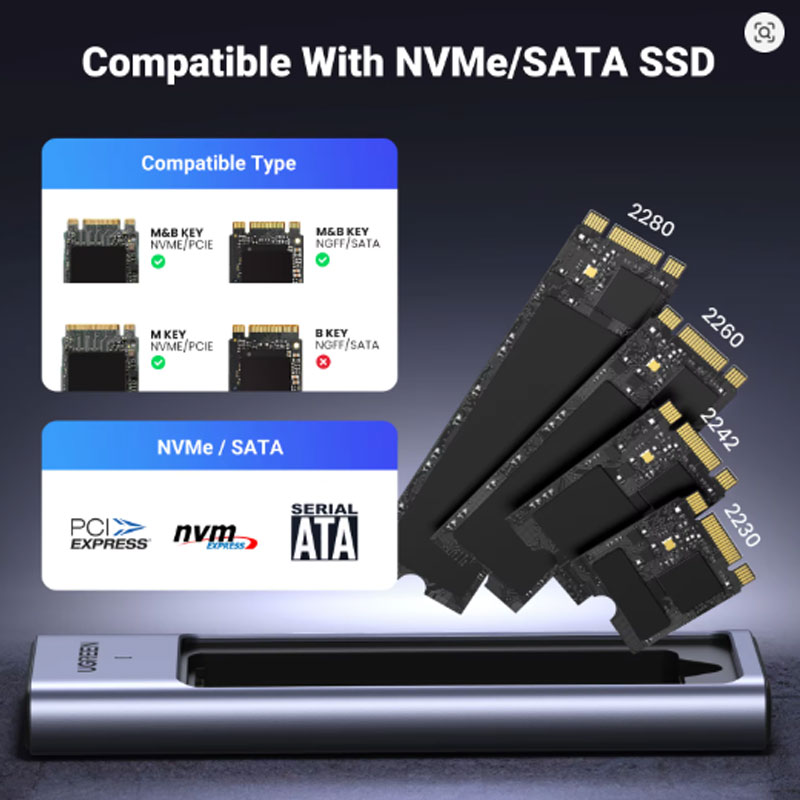
Transform your M.2 SSD into a blazing-fast external drive with the UGREEN M2 SSD Case. This dual protocol enclosure supports both NVMe and SATA M.2 SSDs, delivering incredible transfer speeds up to 20Gbps for NVMe and 6Gbps for SATA via USB 3.2 Gen2 connectivity. The premium aluminum alloy casing with included thermal pad provides efficient heat dissipation to keep your drive cool during intensive data transfers. Compatible with 2230, 2242, 2260, and 2280 size SSDs up to 8TB capacity. Plug and play functionality works seamlessly with Windows, Linux, Mac OS, Android, and iOS – no drivers required. The tool-free design makes installation quick and easy.
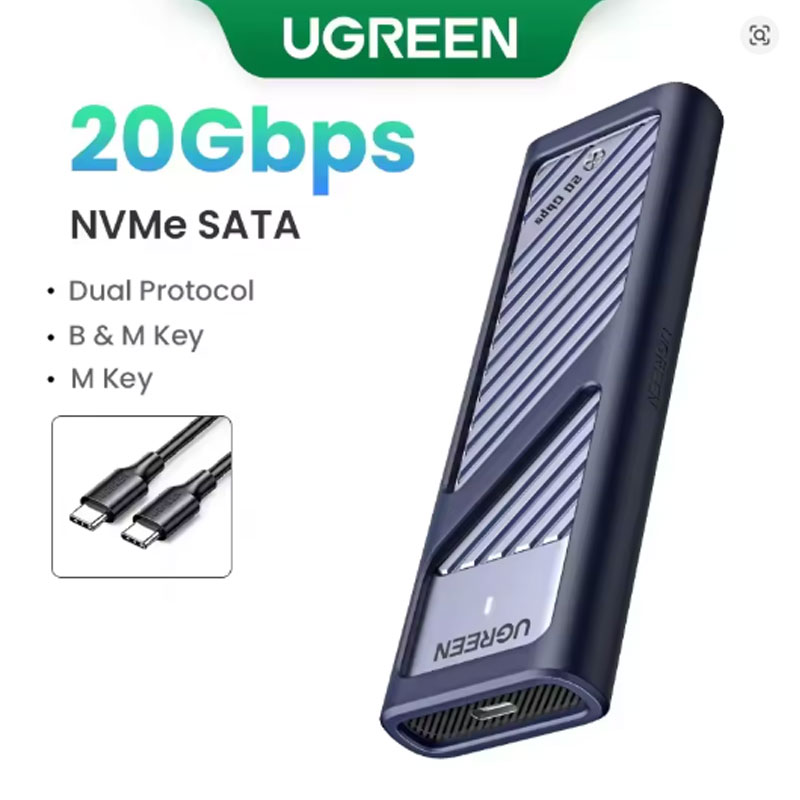
- Dual protocol support – works with both NVMe and SATA M.2 SSDs
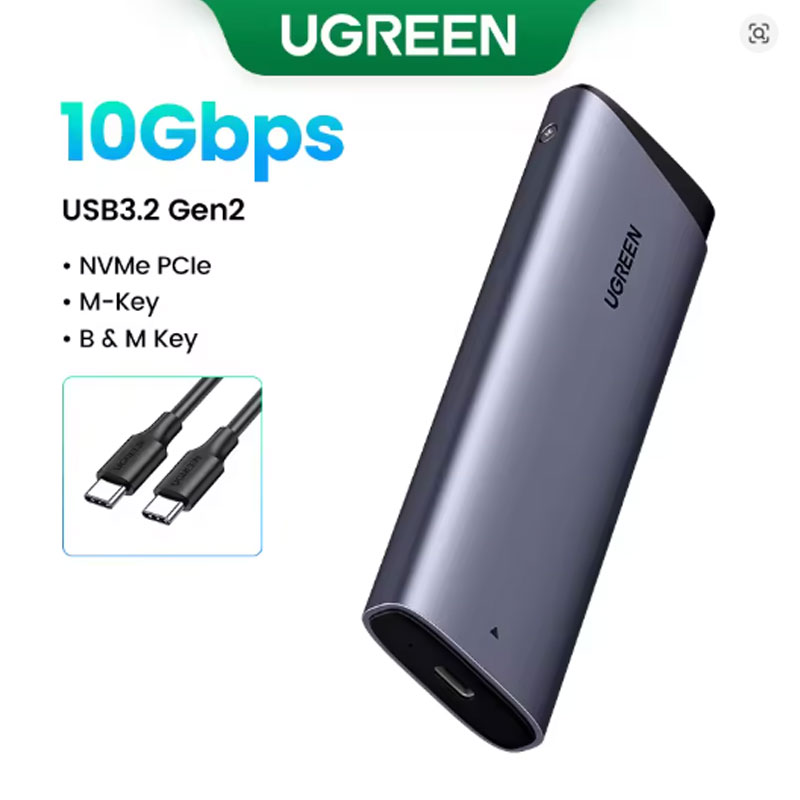
- 20Gbps NVMe / 6Gbps SATA transfer speeds – USB 3.2 Gen2
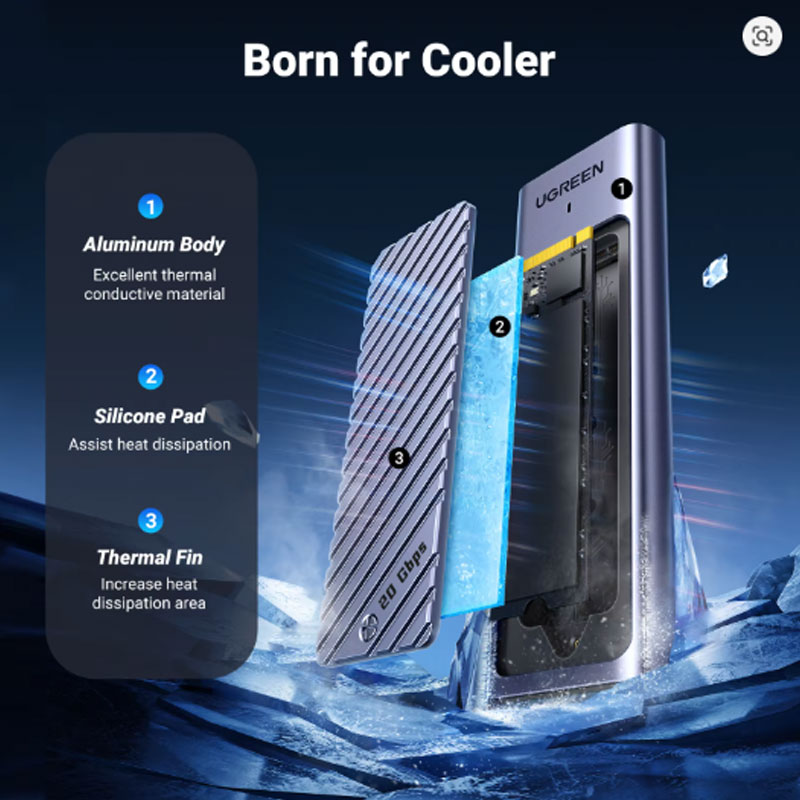
- Aluminum alloy case with thermal pad – excellent heat dissipation
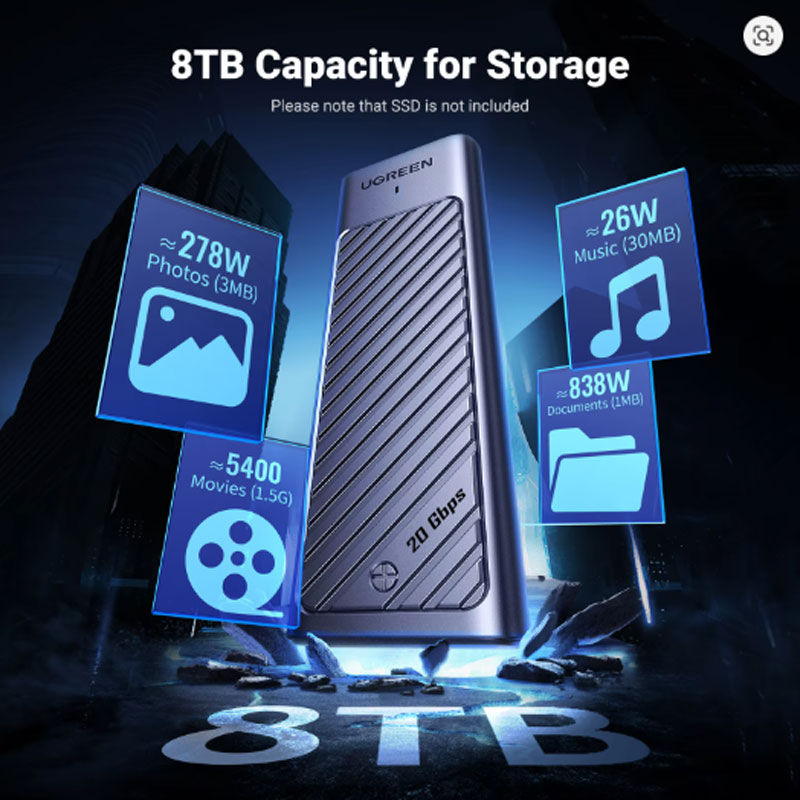
- Supports 2230/2242/2260/2280 SSDs up to 8TB capacity
- Plug and play – no drivers needed for Windows, Mac, Linux, Android, iOS
- Dual Protocol Support – Works with both NVMe and SATA M.2 SSDs in a single enclosure. Seamlessly switch between drive types without needing separate enclosures for each protocol.
- Blazing Fast Transfer Speeds – Delivers up to 20Gbps for NVMe SSDs and 6Gbps for SATA SSDs via USB 3.2 Gen2 interface. Transfer large video files, photo libraries, and backups in seconds.
- Premium Aluminum Construction – Solid aluminum alloy casing provides durability and acts as a heatsink. Included thermal pad transfers heat away from the SSD, preventing throttling and extending drive lifespan.
- Wide Compatibility – Supports M.2 SSD sizes 2230, 2242, 2260, and 2280 with capacities up to 8TB. Compatible with Windows 11/10/8.1/8/7/XP, Linux, Mac OS, Android, and iOS.
- Tool-Free Plug and Play – Simple sliding mechanism for SSD installation – no screwdriver required. No driver installation needed; just connect and start using immediately.
- External Storage Expansion – Turn your spare M.2 SSD into a high-speed external drive for laptops, desktops, or gaming consoles that have limited internal storage.
- Video Editing & Content Creation – The 20Gbps transfer speed is ideal for editing 4K/8K video directly from the external drive. No need to copy files to internal storage first.
- Data Backup & Recovery – Use as a fast, portable backup drive for important documents, photos, and system images. The aluminum casing protects your drive during transport.
- Gaming Storage – Expand game library storage for laptops or desktops. Fast read speeds reduce game loading times compared to traditional external hard drives.
- Cross-Platform File Sharing – Compatible with Windows, Mac, Linux, Android, and iOS. Share files between different operating systems without reformatting (exFAT recommended).
- Opening the Enclosure – Slide the outer aluminum shell to open the case. The tool-free design allows easy access to the internal connector.
- Installing the SSD – Insert your M.2 SSD (2230, 2242, 2260, or 2280 size) into the connector at a slight angle. Press down flat and secure with the included clip or screw (depending on model).
- Applying the Thermal Pad – Peel the protective film from both sides of the included thermal pad. Place it on top of the SSD controller chip before closing the case for optimal heat dissipation.
- Closing the Case – Slide the aluminum shell back into place until it clicks or locks securely. Ensure no gaps remain for proper heat transfer and physical protection.
- Connecting to Device – Use the included USB-C cable to connect the enclosure to your computer, tablet, or phone. The drive should appear automatically. For first-time use on Windows, initialize the drive in Disk Management if it does not appear.
Product Specifications
| Brand Name | UGREEN |
| Model Number | CM559 / CM767 / CM642 / CM850 (model variants) |
| Product Name | M2 SSD Case / M.2 NVME/SATA Enclosure |
| Case Material | Aluminum Alloy (with thermal pad included) |
| Supported Protocols | NVMe + SATA (Dual Protocol) |
| Transmission Speed | 20Gbps (NVMe) / 6Gbps (SATA) – USB 3.2 Gen2 |
| Compatible SSD Sizes | 2230, 2242, 2260, 2280 |
| Supporting Hard Drive Capacity | Up to 8TB |
| Size | 1.8 inch (compact portable design) |
| Compatible Operating Systems | Windows 11/10/8.1/8/7/XP, Linux, Mac OS, Android, iOS |
| Package | Yes (retail box included) |
| Color | Silver |
| High-concerned chemical | None |
| Origin | Mainland China |
Packing List
1 x UGREEN M2 SSD Case (Aluminum Enclosure)
1 x USB-C to USB-C/USB-A Cable
1 x Thermal Pad (pre-installed or included)
1 x User Manual
1 x Screwdriver and mounting screws (if applicable for your model)
*SSD not included. Retail box included.
Warnings and Safety Notes
- Do not touch the circuit board or connector pins with bare hands. Static electricity may damage sensitive electronic components. Use an anti-static wrist strap or ground yourself before installation.
- Ensure the SSD is fully inserted and secured before closing the enclosure. A loose connection may cause data corruption or drive detection failure.
- Do not expose the enclosure to water, moisture, or extreme temperatures. The aluminum casing provides heat dissipation but is not waterproof.
- Use only the included USB cable or a certified high-speed USB 3.2 Gen2 cable. Lower quality cables may not achieve maximum transfer speeds.
- Before disconnecting the drive, always eject or safely remove the device from your operating system to prevent data loss or file system corruption.
- The enclosure supports both NVMe and SATA M.2 SSDs, but not simultaneously. Install one drive at a time. Check your SSD’s key type (M or B+M) for compatibility.
- Do not disassemble the enclosure beyond normal opening for SSD installation. The internal components are sensitive and not user-serviceable.
- Keep out of reach of small children. The enclosure contains small parts that could pose a choking hazard.
- For maximum performance, ensure your host device supports USB 3.2 Gen2 (10Gbps or 20Gbps). Older USB ports will limit transfer speeds.
- If the drive becomes hot during intensive use, this is normal due to heat dissipation through the aluminum casing. Disconnect and allow to cool if overheating is suspected.
- Do not use this enclosure with SSDs that draw more power than the USB port can supply (typically 5V/0.9A for USB 3.0). Most M.2 SSDs are compatible.
- Back up important data regularly. UGREEN is not responsible for data loss or corruption resulting from improper use or drive failure.
Product Video: