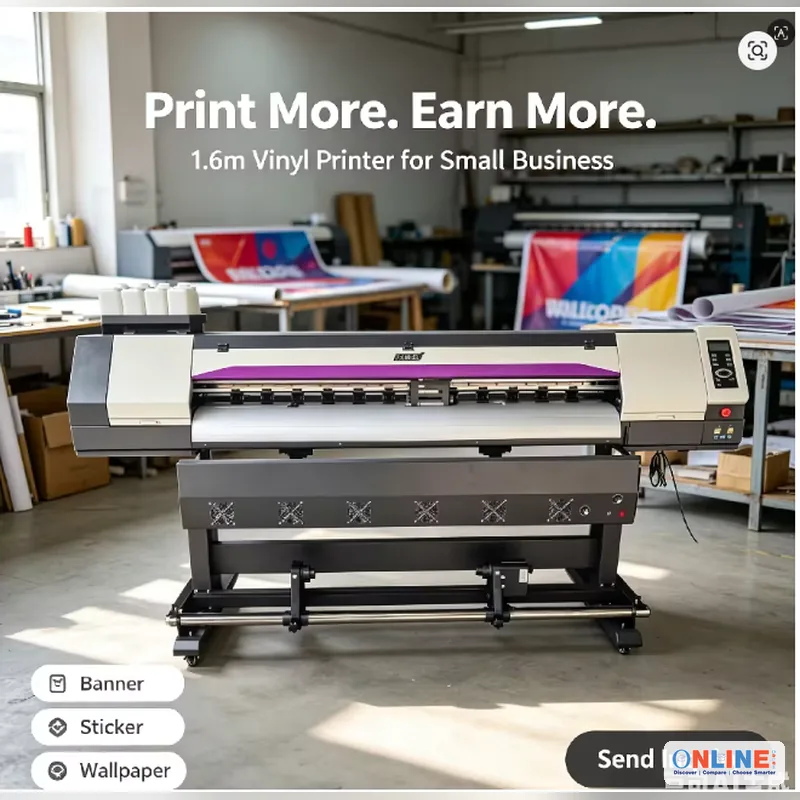
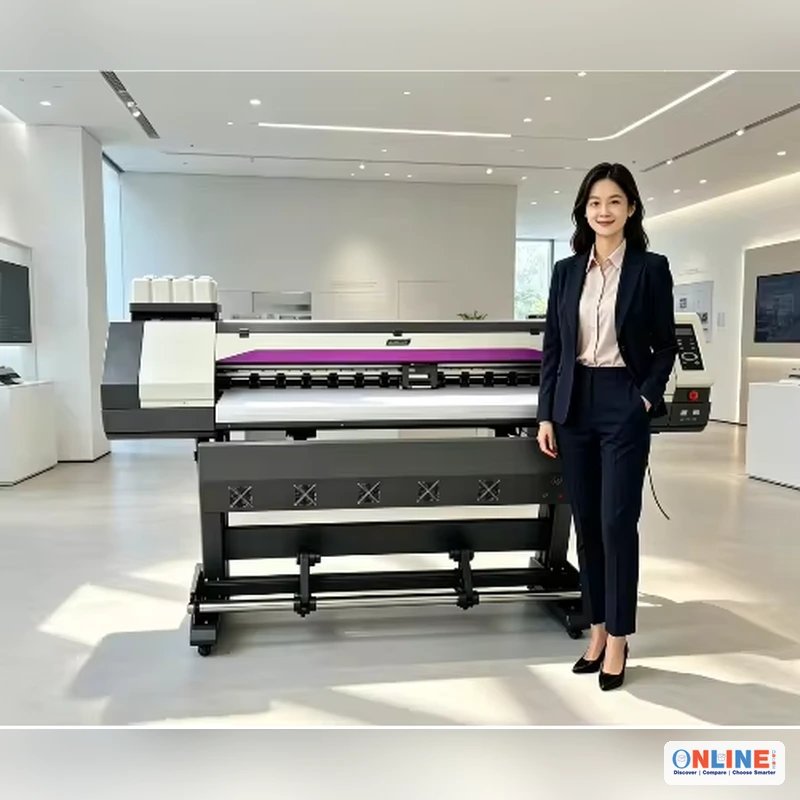
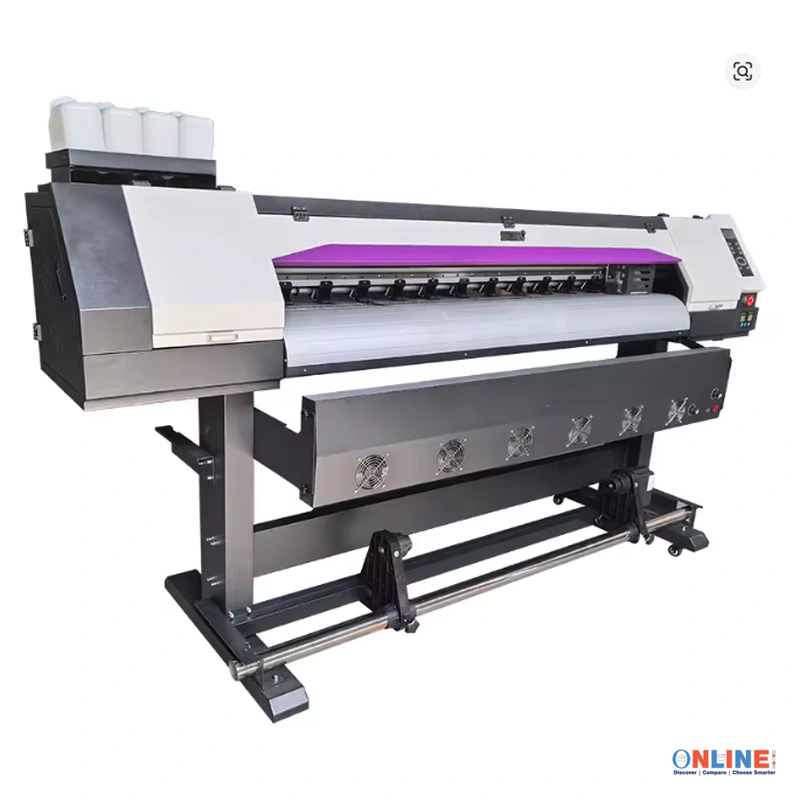

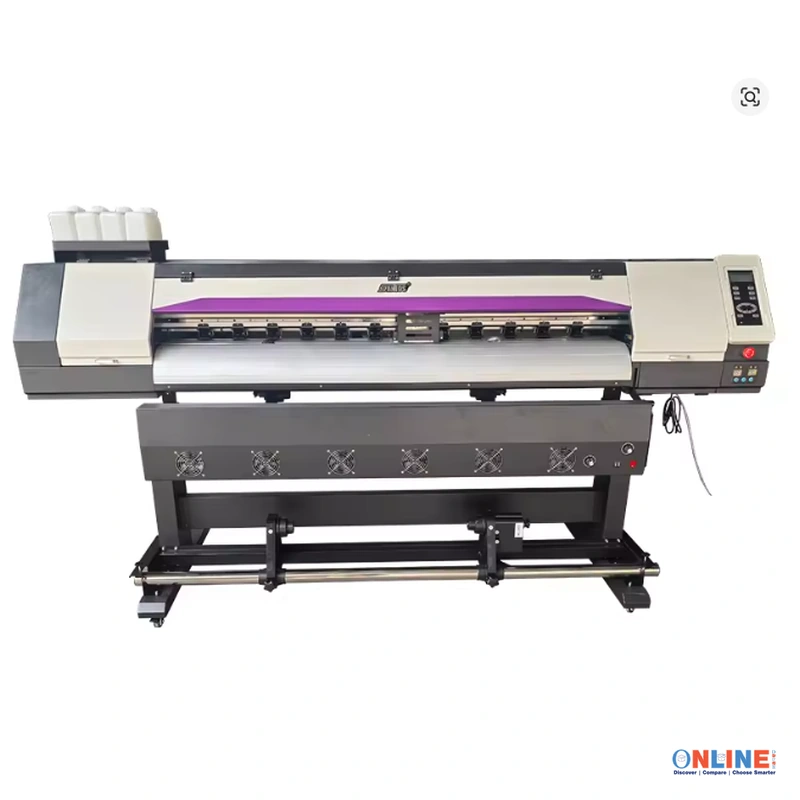
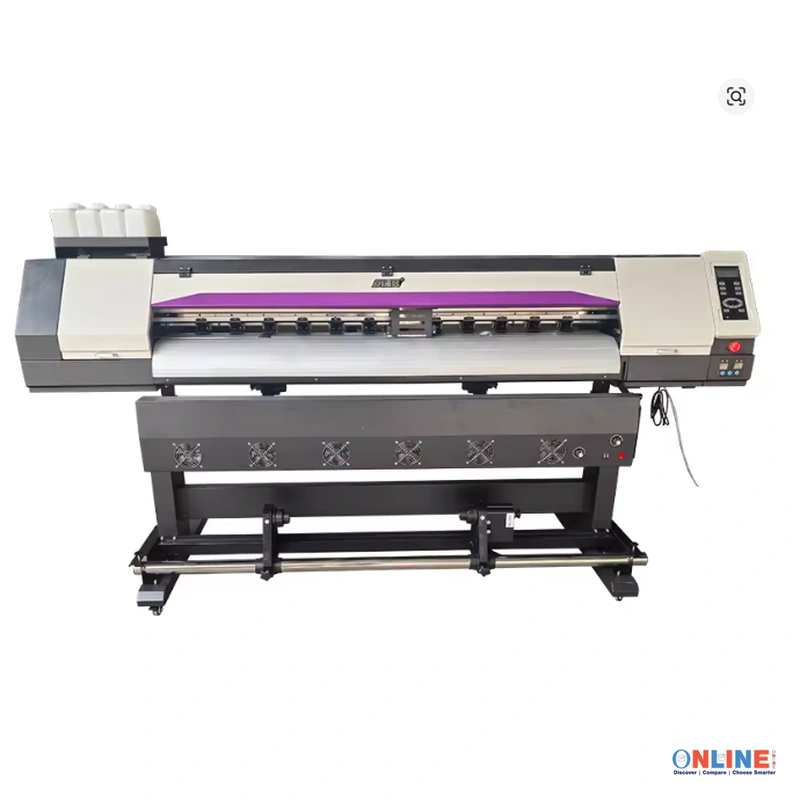
Sublimation Printer Large Format Banner Poster Printing Machine
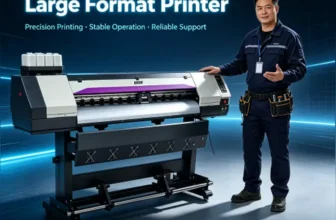
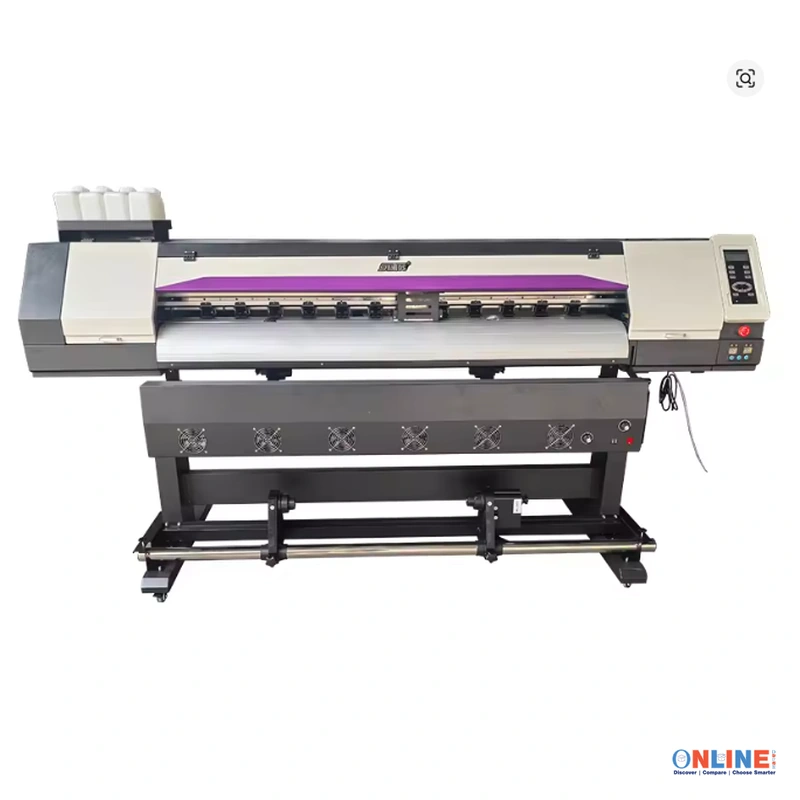
This professional Sublimation Printer features a Large Format design with 1.6m and 1.8m printing width options for commercial applications. The versatile Printing Machine is suitable for banners, posters, outdoor graphics, promotional materials, signage, and business printing workflows.

Large Format Dye Sublimation Printer for Commercial Banner, Poster & Digital Printing
The kinglocor KL-603 is presented as a commercial large-format dye-sublimation inkjet printing system for businesses working with wide-format graphics. Seller specifications list 1200 × 600 dpi maximum resolution, B0+ maximum paper size, automatic paper feeding, Wi-Fi, wired network printing and USB connectivity.
Build a Wide-Format Commercial Printing Workflow
Designed for commercial printing applications, the KL-603 combines a large-format inkjet platform with automatic media feeding and several connectivity methods for integration into a production environment.
The seller specification lists a maximum resolution of 1200 × 600 dpi, an 18 ppm print-speed value, and 256 MB internal memory.
The product title advertises 1.6 m and 1.8 m large-format configurations for applications such as banner, poster and other compatible commercial print work.
Key Features of the kinglocor KL-603
Commercial Large-Format Platform
The machine is seller-listed for commercial application and is marketed as a large-format printer for business-oriented graphics production.
Dye Sublimation Printing
The official specification field identifies its use as “Dye Sublimation Printer,” making it relevant to compatible sublimation print workflows.
1200 × 600 dpi Maximum Resolution
The seller specifies a maximum resolution of 1200 × 600 dpi for detailed text, graphics and image output under compatible print settings.
Automatic Paper Feed
Automatic paper feeding is listed in the specification table, supporting media handling during appropriate production jobs.
Flexible Connectivity
USB, Wi-Fi and wired network-printing fields are all listed, providing multiple options for connecting the printer to a suitable production system.
B0+ Media Support
The maximum paper-size field is listed as B0+, positioning the KL-603 for substantially larger output than standard desktop office printers.
Potential Printing Applications
Connectivity & Workflow Integration
The seller specification provides several connection and control options for integrating the KL-603 into a compatible workstation or production network.
Product Video
View the supplied seller video for a closer look at the printer and its presentation.
Product Specifications
| Brand Name | kinglocor |
| Model | KL-603 |
| Application | For Commercial |
| Use | Dye Sublimation Printer |
| Type | Inkjet Printer |
| Voltage | 100–240V |
| Maximum Resolution | 1200 × 600 dpi |
| Print Speed | 18 ppm — seller-listed value |
| Maximum Paper Size | B0+ |
| Internal Memory | 256 MB |
| Paper Feed Mode | Auto |
| Interface Type | USB |
| Signal Connection Type | Wi-Fi |
| Supports Network Printing | Wired |
| Control Method | Push Button |
| Double-Sided Printing | No |
| Battery Included | No |
| After-Sale Service | Shop’s Three Guarantees |
| High-Concerned Chemical | None |
| Origin | Mainland China |
Installation & Workspace
Install the printer on a stable, appropriately sized surface with sufficient room for media loading, output handling, maintenance access and normal operator movement.
Verify electrical supply, plug configuration, ink system, software, media type and installation requirements against the manufacturer’s supplied documentation before production use.
Routine Printer Care
Follow the manufacturer’s cleaning and maintenance schedule for the printhead, ink delivery system and media path. Avoid allowing the printhead to remain inactive outside the manufacturer’s recommended storage procedure.
Use only compatible consumables and maintenance procedures intended for the specific KL-603 configuration supplied.
Confirm Printer Width
Verify whether the ordered machine is the advertised 1.6 m or 1.8 m version and confirm the usable print width with the seller.
Confirm Complete Package
The screenshot is currently set to Accessories. Check that your checkout option includes the complete printer and not only an accessory or replacement component.
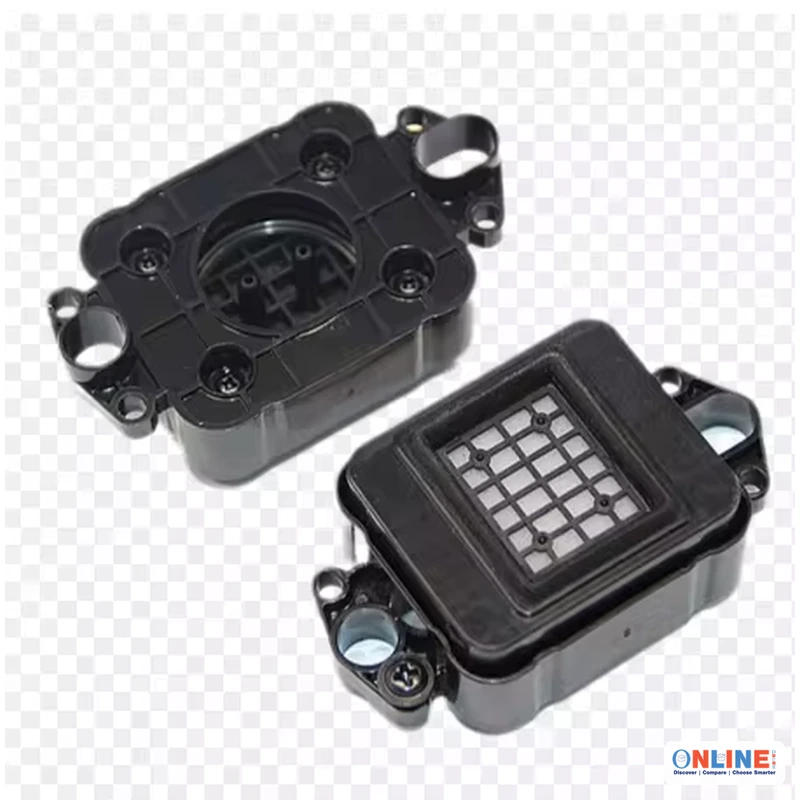
Confirm Plug & Printhead
US and EU plug choices are shown on the product page. Also confirm the exact printhead configuration, software and included setup components before ordering.