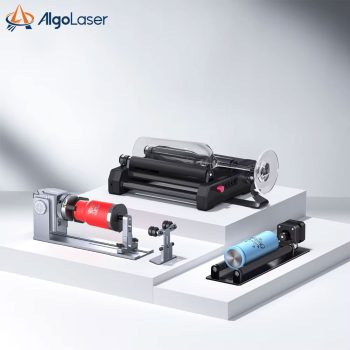

AlgoLaser laser rotary roller chuck

Upgrade your laser engraver with the AlgoLaser Laser Rotary Roller. Achieve high-precision 360° engraving on tumblers, bottles, and pens. Compatible with AlgoLaser, ORTUR, and LightBurn, this Y-axis rotating module is the ultimate tool for cylindrical customization.

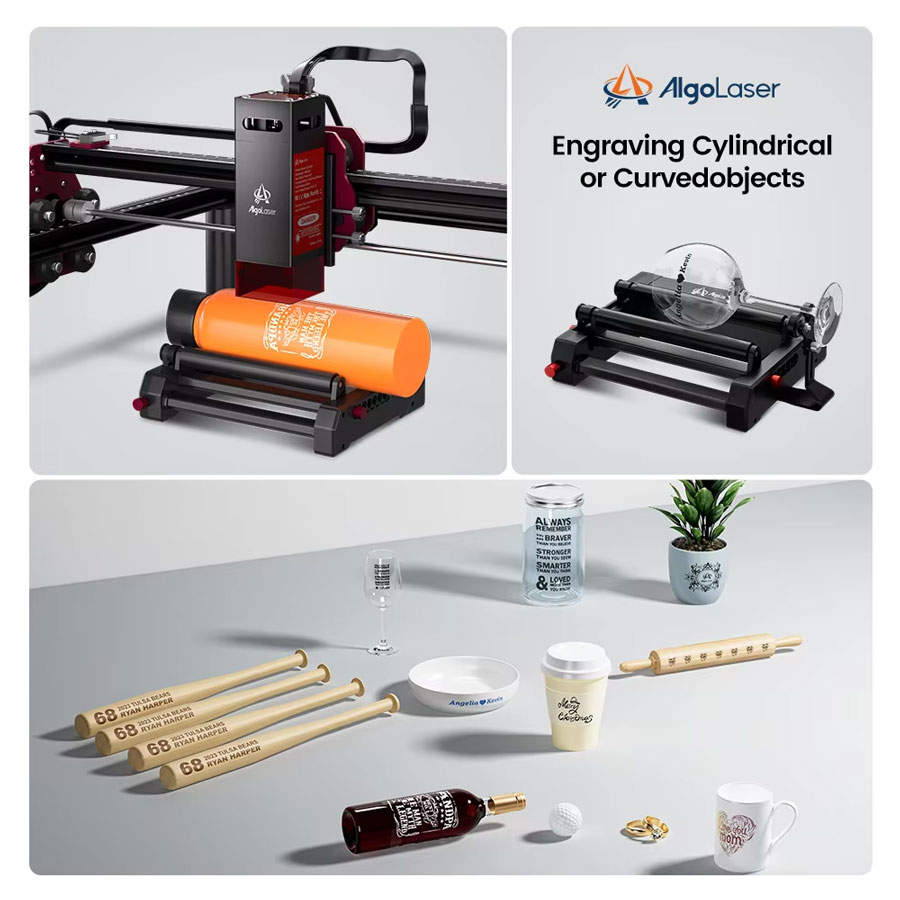
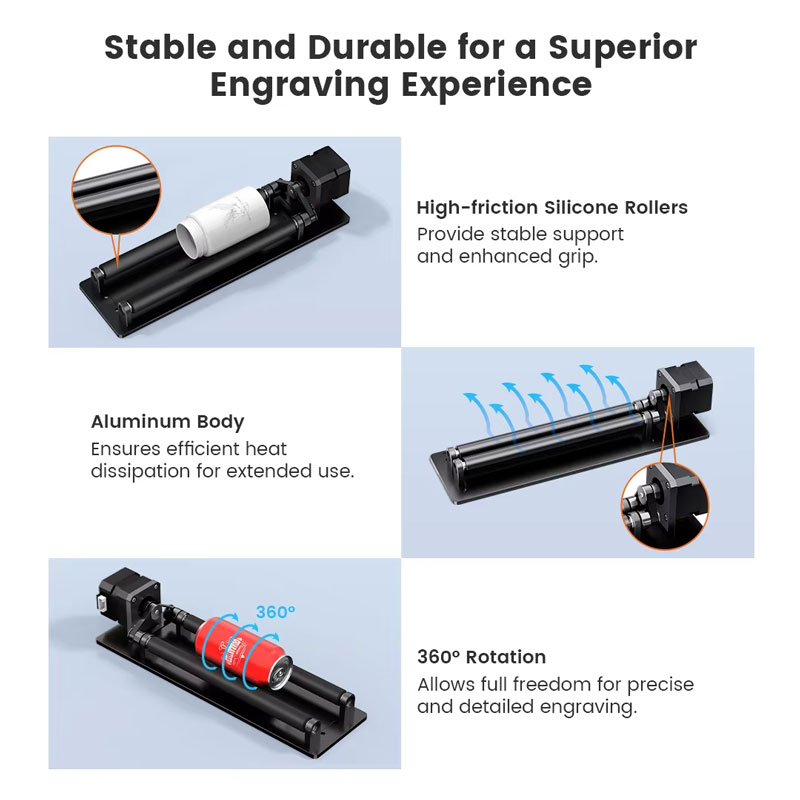
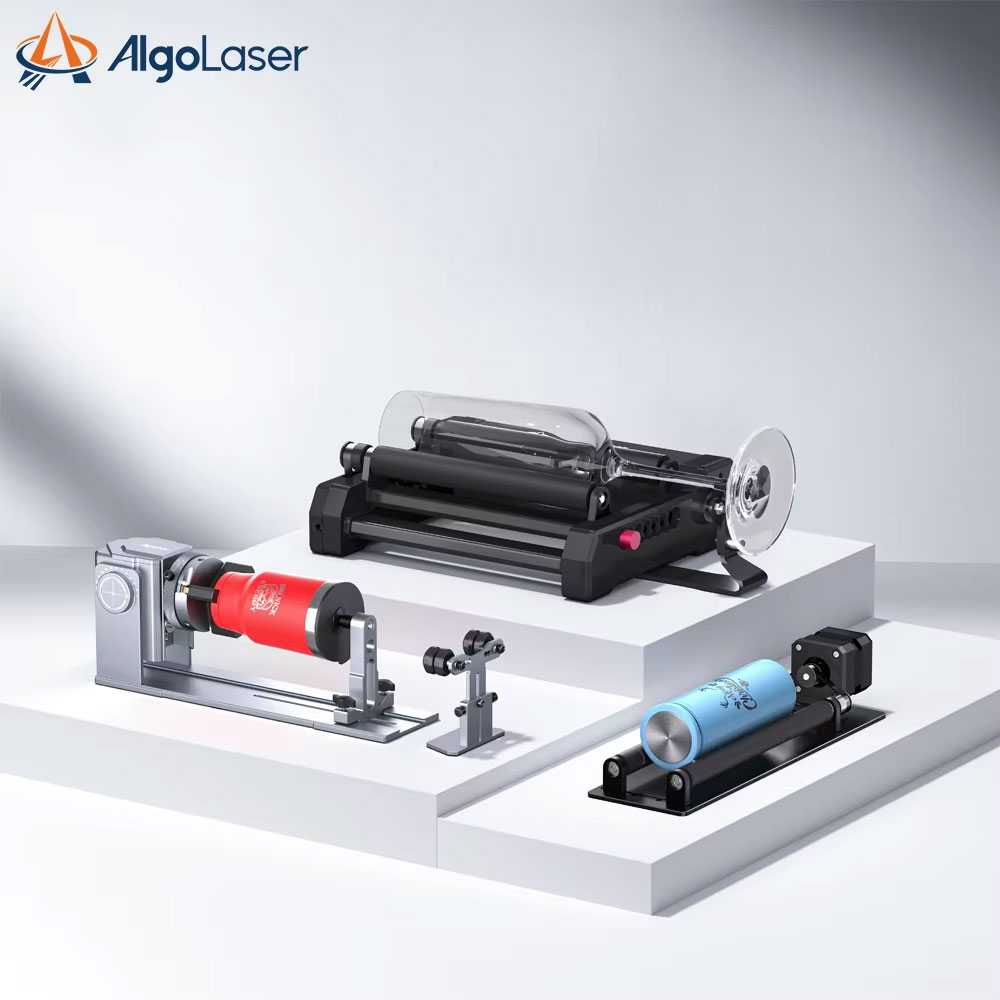
Expand your creative possibilities with the AlgoLaser Laser Rotary Roller. This high-precision Y-axis rotating module is specifically designed for AlgoLaser, ORTUR, and other leading laser engravers. It allows you to engrave 360° on cylindrical objects like wine glasses, tumblers, pens, and bottles with ease. Built with a sturdy, slip-resistant design, it ensures stable and accurate rotation for professional-grade results every time.
- 360° Rotating Capability: Perfectly engrave cylindrical and extra-long objects without distortion.
- Universal Compatibility: Seamlessly works with AlgoLaser, ORTUR, and most DIY laser engraving machines.
- Precision Y-Axis Control: Synchronized rotation ensures high-accuracy detailing on curved surfaces.
- Plug-and-Play Setup: Easy to connect and calibrate, making it ideal for both hobbyists and professionals.
Key Features
- Adjustable Width Design: Easily adjust the rollers to accommodate different diameters of cylindrical objects.
- All-Metal Construction: Durable and stable build quality designed for long-term industrial and hobbyist use.
- Anti-Slip Silicone Rollers: Provides a firm grip on smooth surfaces like glass and stainless steel to prevent sliding.
- Low Center of Gravity: The compact, low-profile design ensures stability during high-speed engraving.
- Pre-Assembled Unit: Out-of-the-box ready to minimize setup time and maximize productivity.
Compatibility & Best Use
- Machine Support: Fully compatible with AlgoLaser series, ORTUR Laser Master, and standard GRBL-based engravers.
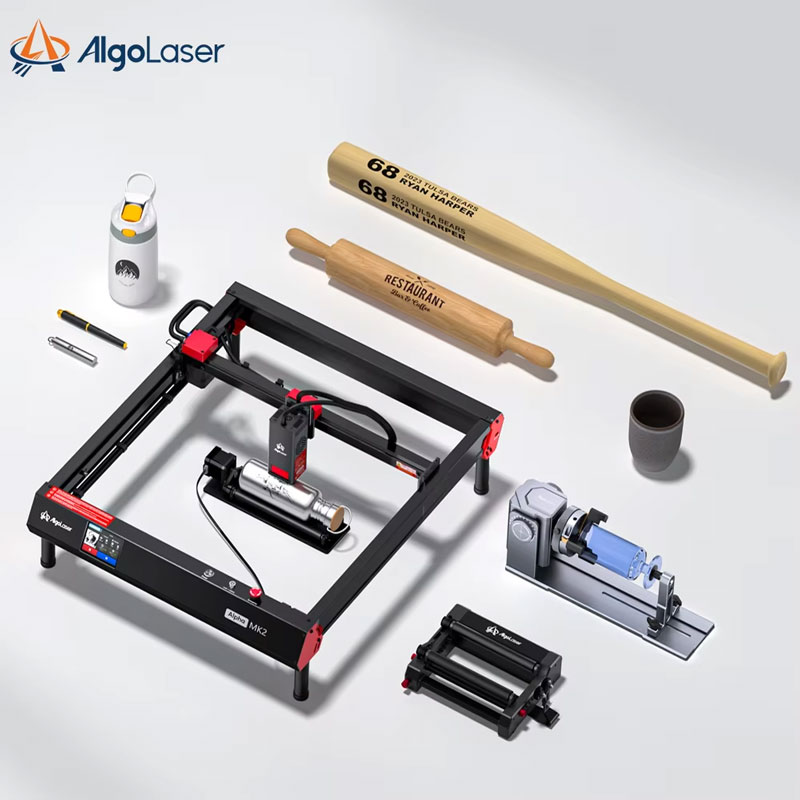
- Object Versatility: Best used for customizing tumblers, mugs, baseball bats, pens, and glass bottles.
- Software Integration: Works seamlessly with LightBurn and LaserGRBL for precise rotary control.
- Commercial Production: Perfect for small businesses creating personalized gifts and promotional items.
Installation Tips
- Wiring: Simply unplug the Y-axis motor cable from your engraver and plug it into the Rotary Roller module.
- Leveling: Ensure the rotary module is perfectly level with the laser bed to maintain consistent focus across the object.
- Software Setup: In LightBurn, enable “Rotary Output” and input the roller diameter for accurate scaling.
- Focal Adjustment: Always re-focus your laser head based on the highest point of the cylindrical object being engraved.
Product Specifications
| Brand Compatibility | AlgoLaser, ORTUR, NEJE, Sculpfun, etc. |
| Rotation Type | 360° Y-axis Rotary |
| Material | Aluminum + Silicone Rollers |
| Connection | 4-Pin Stepper Motor Cable |
| Adjustable Range | Multiple width settings for various diameters |
| Software Support | LightBurn, LaserGRBL |
| Drive Mode | Roller Drive |
Packing List
- 1 x AlgoLaser Laser Rotary Roller Module
- 1 x Y-Axis Motor Connection Cable
- 1 x User Manual & Calibration Guide
- Necessary Mounting Screws/Tools
Warnings & Safety Notes
- Power Off: Always power off your laser engraver before connecting or disconnecting the rotary module cables.
- Safety Gear: Wear protective laser goggles at all times, especially when engraving reflective surfaces like glass.
- Cable Management: Ensure the motor cable does not interfere with the laser’s X-axis movement during operation.