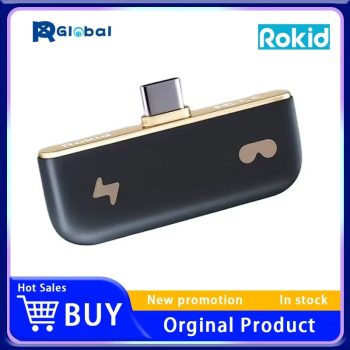
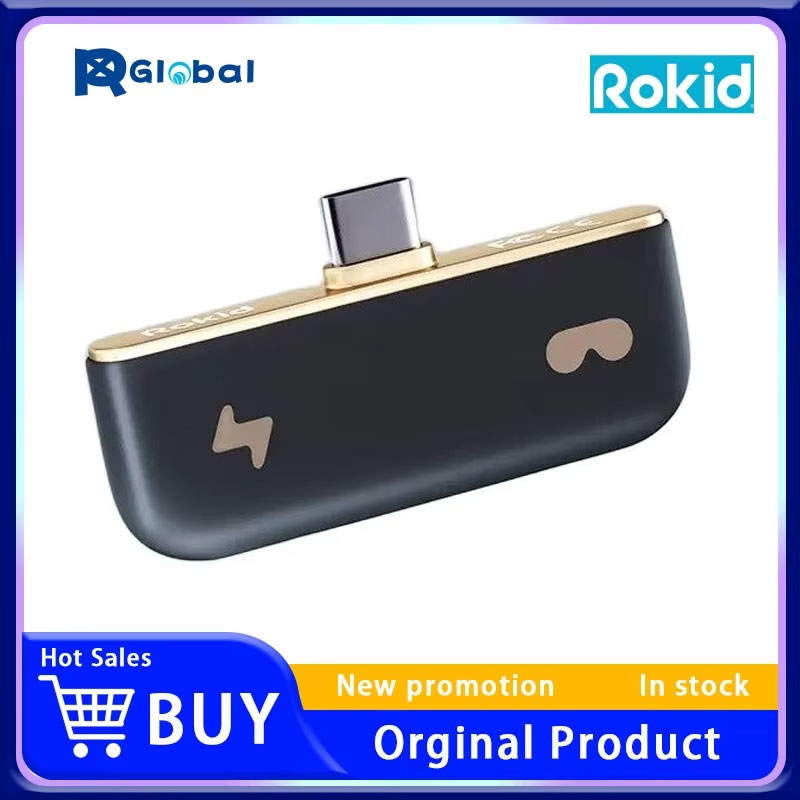
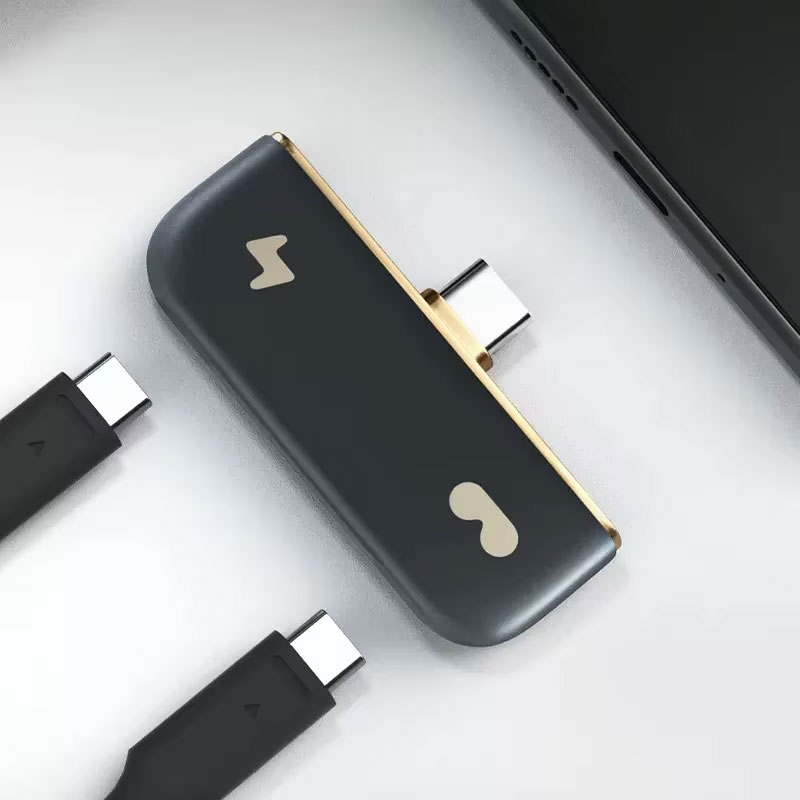
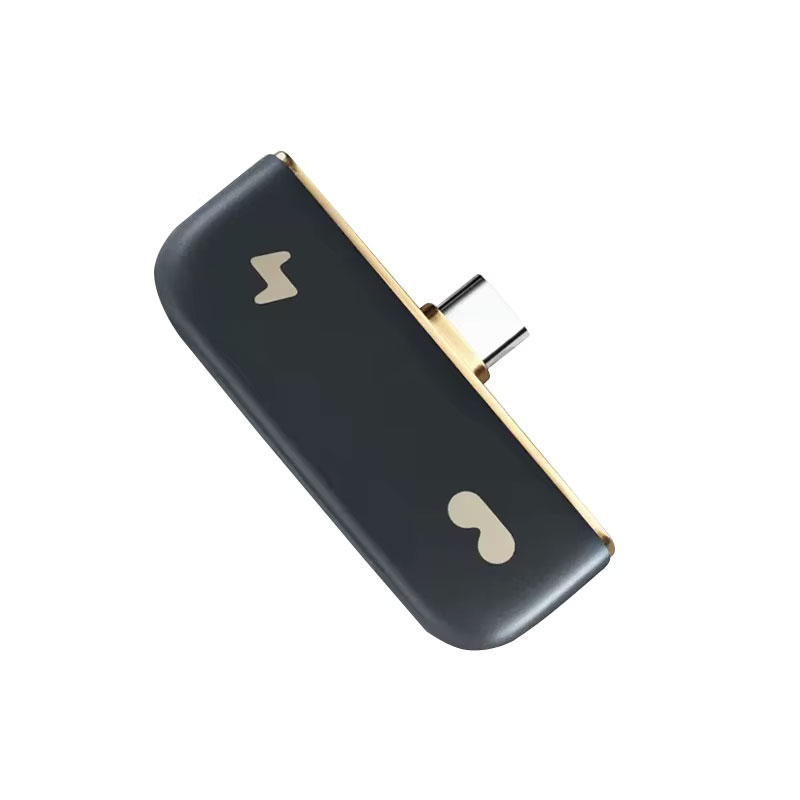
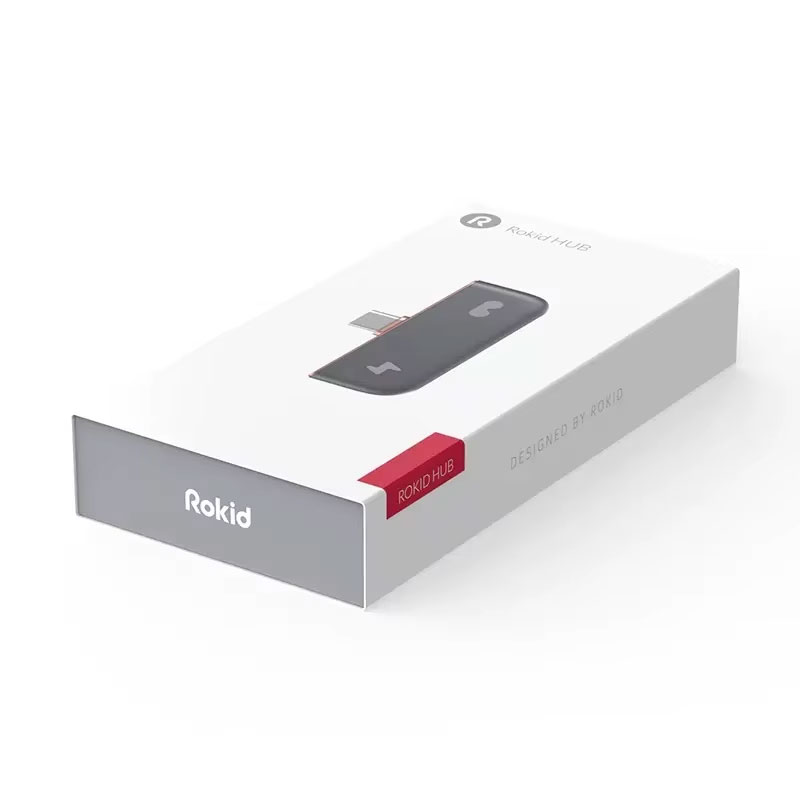
Rokid Mini Hub AR charging converter

Shop the Rokid Mini Hub Charging Converter. This AR glasses accessory lets you use your Switch, Xbox, or smartphone while charging.

Rokid Mini Hub Charging Converter for AR Glasses
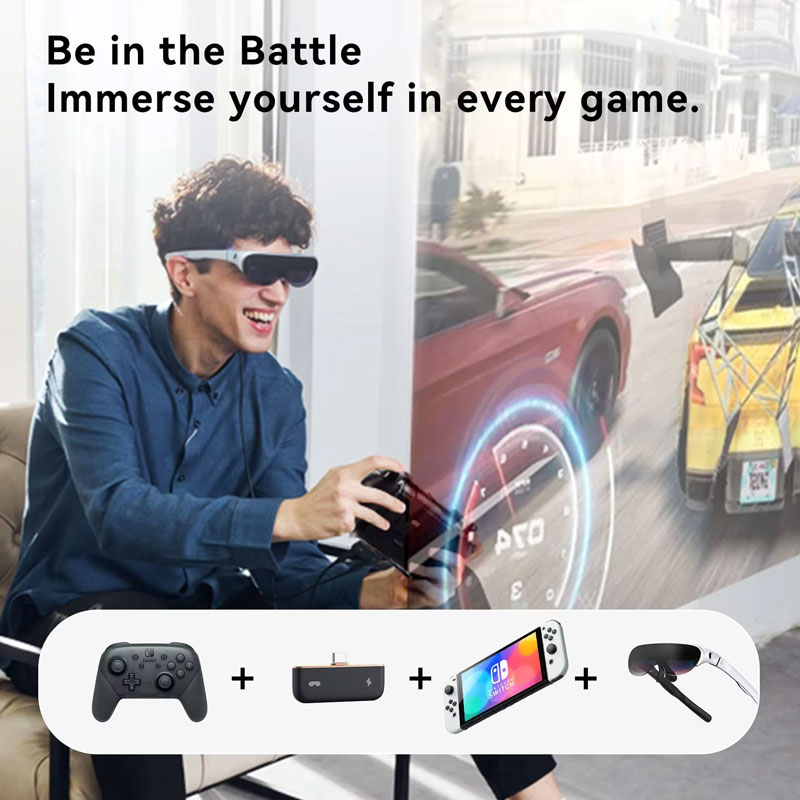
Unlock seamless, uninterrupted AR gaming and video experiences with the Rokid Mini Hub Charging Converter. Designed to connect your AR glasses to smartphones, Nintendo Switch, and Xbox consoles, this versatile accessory bridges the gap between devices while allowing you to charge your host device simultaneously. Featuring an efficient omni-in cooling system and a highly portable design, it’s the ultimate companion for extended immersive entertainment.
- Functionality: Play and charge simultaneously without battery drain
- Connectivity: Versatile USB Type-C and HDMI input options
- Compatibility: AR glasses, Nintendo Switch, Xbox, and Android smartphones
- Cooling: Built-in omni-in cooling system prevents overheating
Key Features
- Play & Charge Simultaneously: Specifically engineered to allow you to use your AR glasses while simultaneously charging your connected smartphone or console, ensuring your battery never dies mid-game.
- Advanced Omni-in Cooling System: Equipped with an efficient internal cooling mechanism that actively dissipates heat, preventing performance throttling during long, intensive gaming or viewing sessions.
- Versatile Video Connectivity: Features both USB Type-C and HDMI connectors, providing flexible plug-and-play options to bridge your AR glasses to a massive variety of modern media devices.
- Enhanced Motion Performance: Designed to reliably support advanced motion sensing data transmission, ensuring ultra-smooth, lag-free AR gaming and highly responsive interactive experiences.
- Compact & Portable Build: With a sleek footprint (5.5 x 10.33 x 5.5 inches) and weighing just 200g, this lightweight hub easily slips into your pocket, backpack, or gaming case for premium entertainment anywhere you travel.
Compatibility & Best Use
- Console Gaming: Perfectly compatible with the Nintendo Switch and Xbox, allowing you to project your massive console gameplay directly into your AR glasses while keeping the system powered.
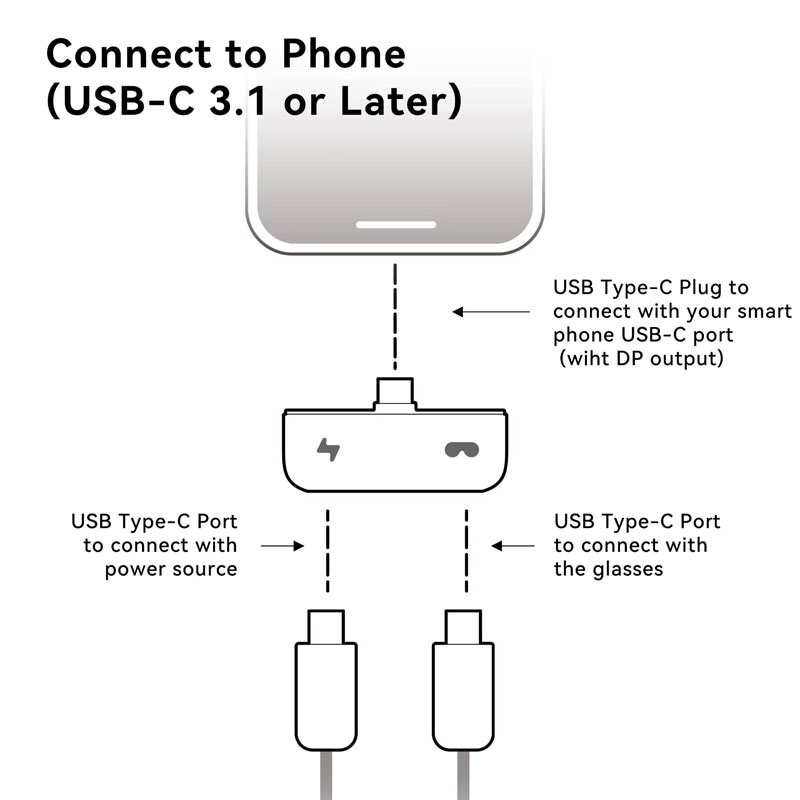
- Smartphone Media: Seamlessly connects to Android smartphones featuring a Type-C port (with video output capabilities), turning your phone into a private, portable cinema.
- AR Glasses Essential: The ideal, must-have adapter for Rokid and other compatible AR glasses users who demand extended runtime without relying solely on their host device’s internal battery.
Installation Tips
- Choosing the Right Port: If your host device supports Type-C video output and charging (like modern Androids), use the Type-C connection. For devices without Type-C video, utilize the HDMI interface.
- Connection Sequence: First, connect the hub to your host device (phone or console), plug your power charging cable into the hub’s power port, and finally connect your AR glasses to begin streaming.
- Ventilation Care: Ensure the hub is placed on a hard, flat surface during use so the omni-in cooling system’s exhaust vents remain completely unobstructed for optimal heat dissipation.
Product Specifications
| Brand Name | Rokid / omni-in |
|---|---|
| Product Type | Charging Converter / AR Hub |
| Model Number | HUB |
| Compatible Devices | Type-C Android Phones, Nintendo Switch, Xbox |
| Connector Types | USB Type-C, HDMI |
| Cooling System | Omni-in Cooling Technology |
| Item Weight | 200g |
| Dimensions | 5.5 x 10.33 x 5.5 inches |
Packing List
- 1 x Rokid Mini Hub Charging Converter
- 1 x User Manual & Setup Guide
- Note: AR glasses, game consoles, smartphones, and additional charging cables are for demonstration purposes only and are not included.
Warnings & Safety Notes
- Device Compatibility: Ensure your smartphone or tablet explicitly supports DisplayPort Alt Mode over USB-C before attempting to use the Type-C video output feature with your AR glasses.
- Heat Dissipation: It is completely normal for the hub’s exterior to become slightly warm during simultaneous 4K video transmission and fast charging. Do not cover the device with fabrics or pillows.
- Power Supply: Always use the original or a certified high-quality PD (Power Delivery) adapter to provide sufficient electrical current for both charging the host device and powering the AR glasses displays.