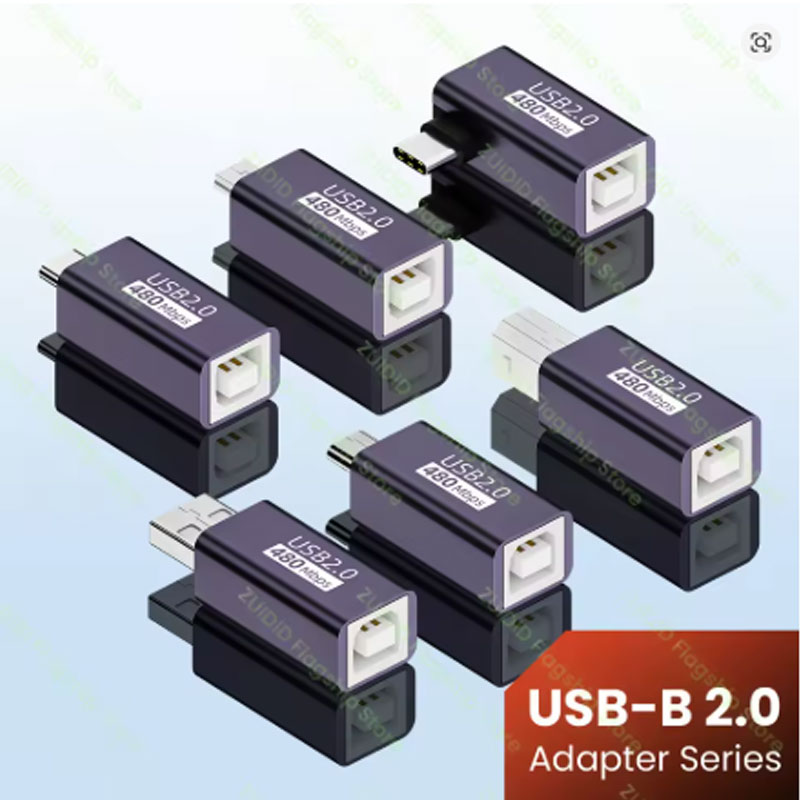
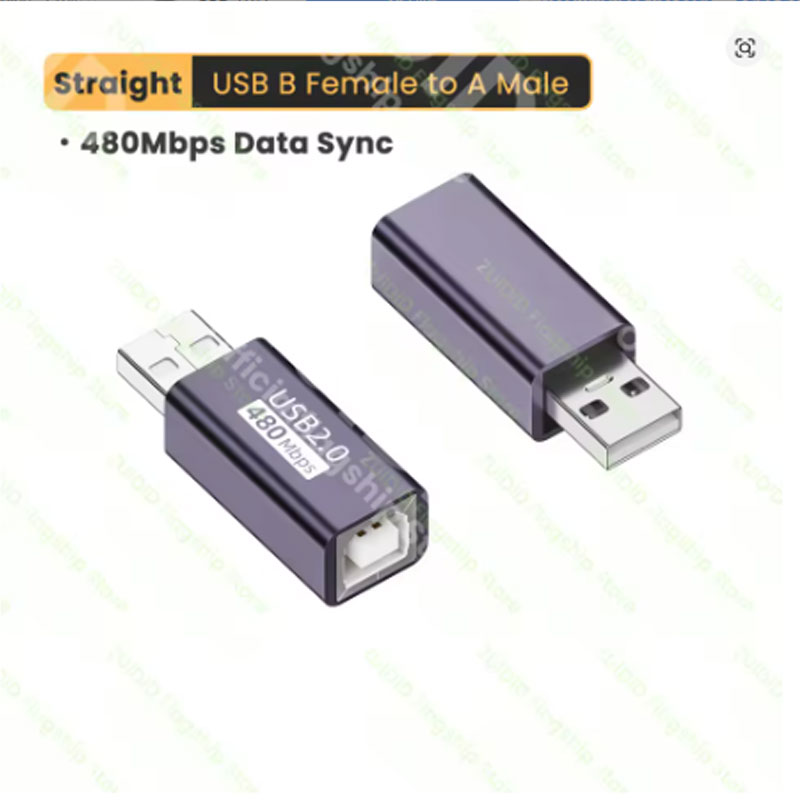
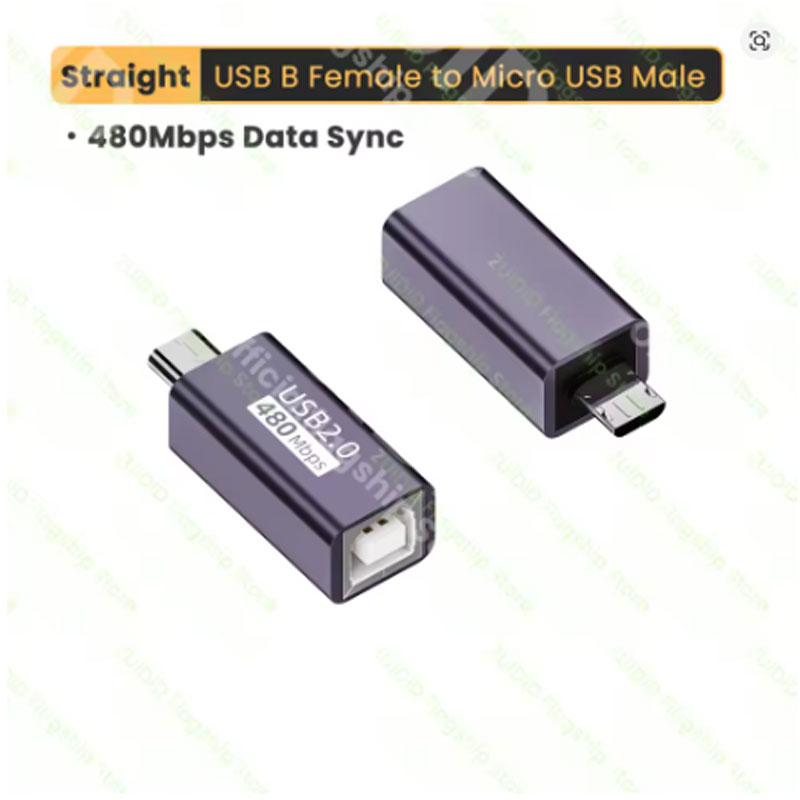
USB 2.0 Printer Adapter Type B to USB C

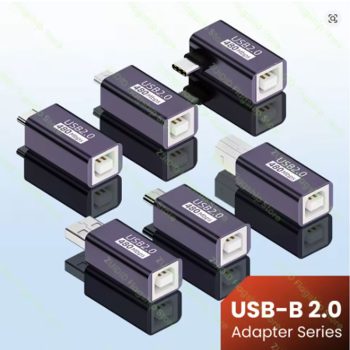
Connect your older printer or device with this USB 2.0 adapter — converts USB Type B (female) to USB C, Micro USB, or Mini USB (male). Perfect for printers, hard drives, scanners, and fax machines.

USB 2.0 Printer Adapter – USB Type B to USB C / Micro USB / Mini USB Female to Male for Printer Hard Drive Fax Machine Scanner
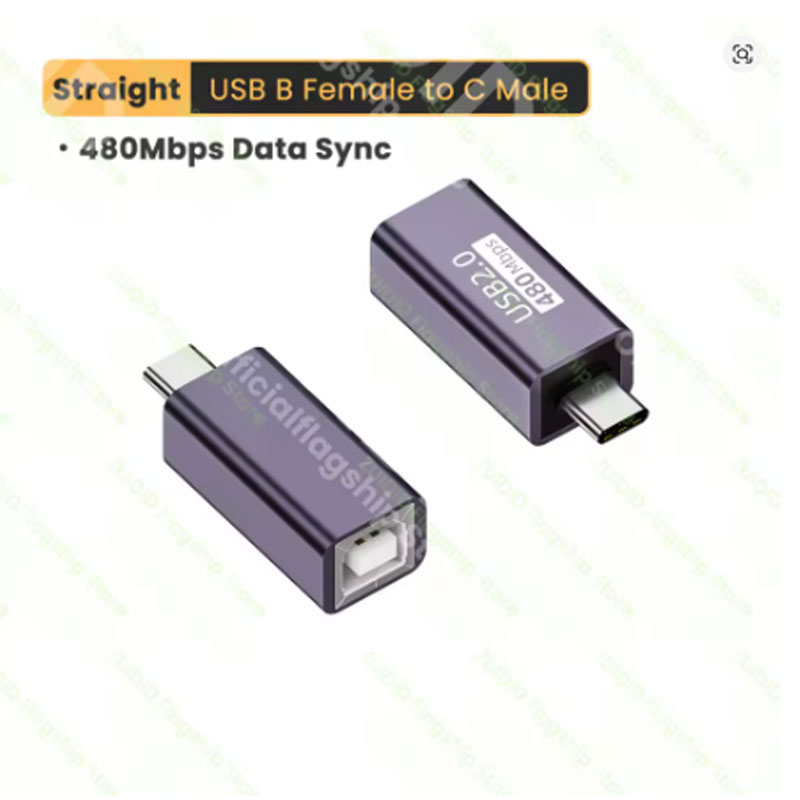
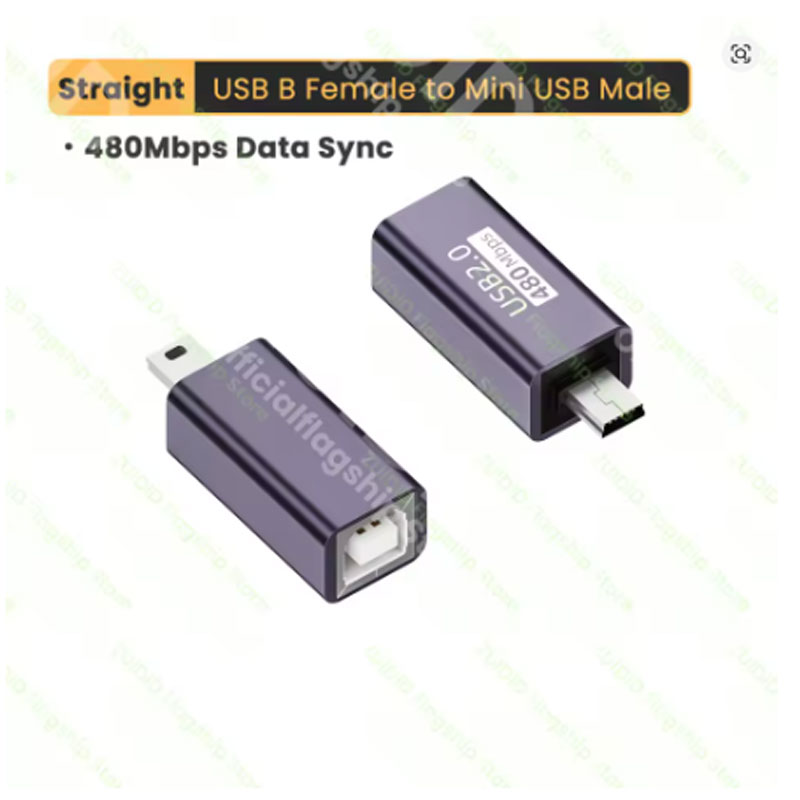
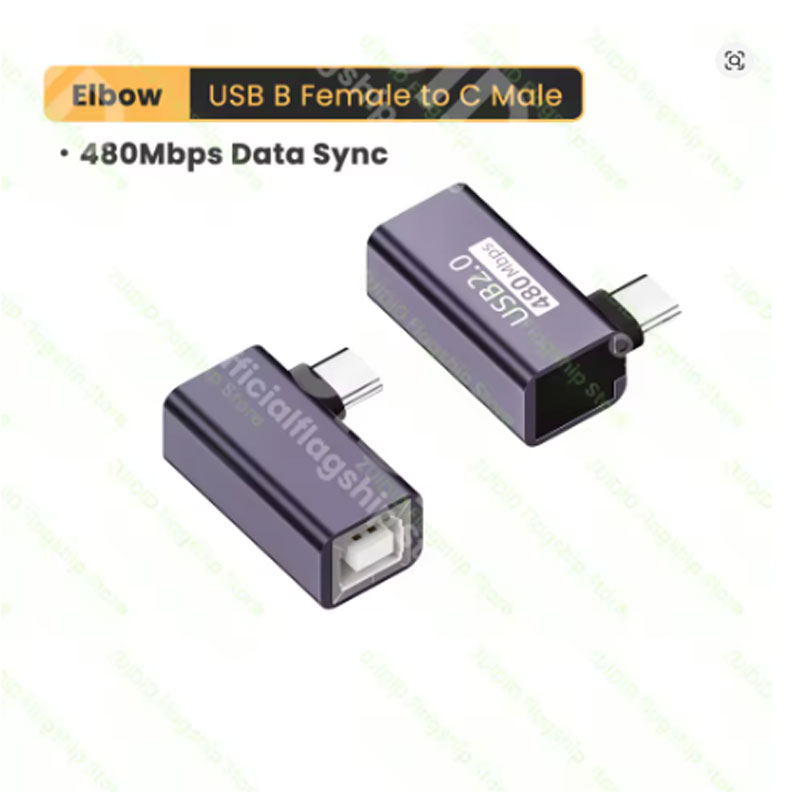
Connect your USB Type-B devices to modern USB ports with the USB 2.0 Printer Adapter. This versatile adapter converts a standard USB Type-B male connector (printer end) to USB Type-C, Micro USB, or Mini USB female ports, allowing you to connect printers, hard drives, fax machines, scanners, and other devices to computers, laptops, tablets, and smartphones. Whether you need to print from a USB-C laptop or transfer files from an external hard drive, this compact adapter solves cable compatibility problems without buying new cables. Available in multiple configurations. USB 2.0 speed with backward compatibility. Wholesale pricing available – buy 10+ pieces for US $1.75 each.
- Converts USB Type-B male to USB-C / Micro USB / Mini USB female
- Connect printers to modern laptops without Type-B ports
- Compatible with printers, scanners, fax machines, external hard drives, docking stations
- USB 2.0 standard – data transfer speeds up to 480 Mbps
- Plug and play – no drivers or software needed
Why Choose This USB Printer Adapter
- Three Connector Options in One – Available in USB Type-B to USB-C, to Micro USB, or to Mini USB female configurations. Choose the version that matches the cable or device you need to connect. No more searching for rare cables.
- Connect Vintage Printers to Modern Computers – Many new laptops (MacBooks, Ultrabooks, Chromebooks) only have USB-C ports, while older printers use USB Type-B cables. This adapter bridges the gap without replacing your perfectly good printer.
- USB 2.0 Hi-Speed Performance – Supports data transfer rates up to 480 Mbps, fully compatible with USB 1.1 and USB 2.0 devices. Perfect for printing documents, scanning photos, or transferring files from external hard drives.
- Plug and Play Simplicity – No drivers, no software, no complicated setup. Just plug the adapter into your existing Type-B cable or directly into your printer (depending on version), then connect to your computer. Works instantly with Windows, macOS, Linux, Chrome OS, and Android.
- Compact and Portable – The small, lightweight design fits easily into laptop bags, backpacks, or even a pencil case. Keep one in your work bag, home office, and travel kit so you are always prepared for any USB connection situation.
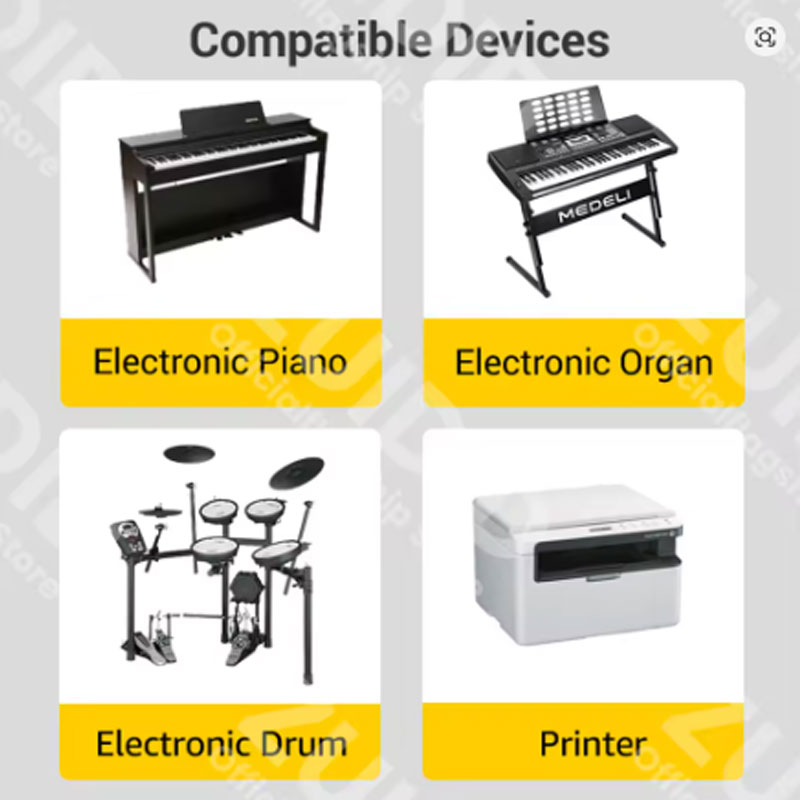
- Printers – Connect USB Type-B printers (most inkjet and laser printers from HP, Canon, Epson, Brother, Samsung, Xerox) to USB-C laptops, Micro USB OTG-capable phones, or Mini USB devices.
- External Hard Drives and Docks – Connect USB Type-B external hard drives (Western Digital, Seagate, Toshiba) or docking stations to modern computers without sacrificing speed or reliability.
- Scanners and All-in-One Devices – Older scanners and fax machines with USB Type-B ports can now talk to new computers through this simple adapter.
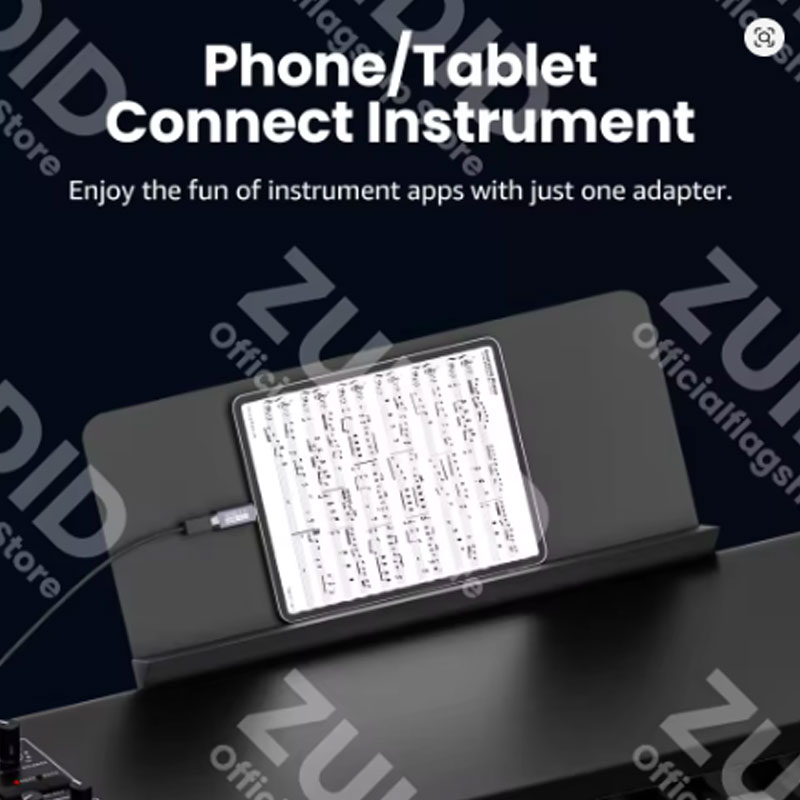
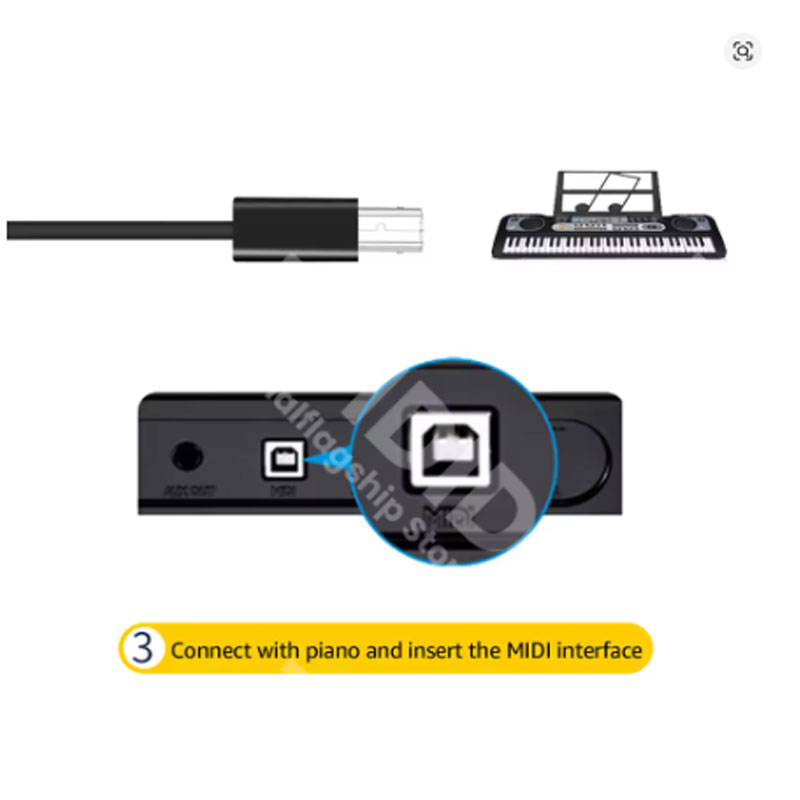
- Musical Instruments – Many digital pianos, synthesizers, mixers, and audio interfaces use USB Type-B connectors. This adapter allows connection to USB-C tablets for recording or live performance.
- 3D Printers and CNC Machines – Many 3D printers, laser engravers, and CNC machines use USB Type-B ports for computer control. Use this adapter for direct USB-C connectivity without cable adapters.
- Identify your device’s port – First, look at the port on your printer, scanner, or hard drive. If it is a square-ish port with beveled corners (USB Type-B), this adapter is what you need. If it is a different shape, check compatibility carefully.
- Choose the correct version – Select the adapter that matches the connector you need: USB-B to USB-C (for modern laptops/phones), USB-B to Micro USB (for older Android devices or micro USB cables), or USB-B to Mini USB (for older digital cameras or devices).
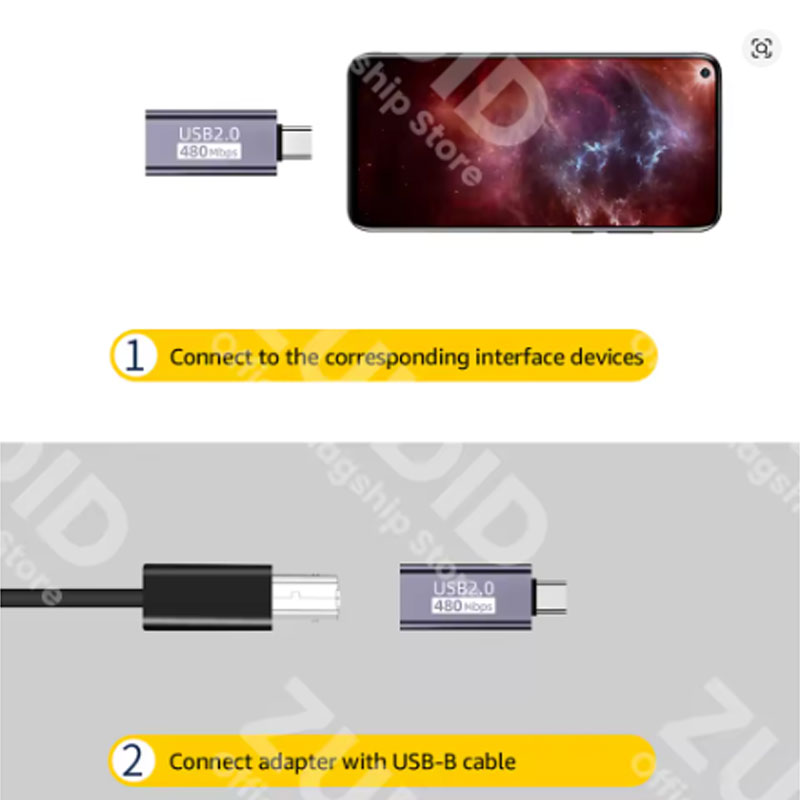
- Simple connection method – Option A: Connect the adapter directly to your printer’s USB-B port, then use a USB-C/Micro/Mini cable to connect to your computer. Option B: Plug the adapter into the end of your existing USB cable, then connect that cable to your computer.
- Check driver compatibility – Most printers and devices will be recognized automatically. If not, visit the manufacturer’s website to download the latest drivers for your operating system. The adapter itself does not need drivers.
- Test before printing – After connecting, print a test page to ensure the connection is working. For external hard drives, the drive should appear in File Explorer (Windows) or Finder (Mac). If not, try a different USB port or restart your computer.
Product Specifications
Packing List
- 1 x USB 2.0 Printer Adapter (USB Type-B male to selected female port)
- Retail packaging or poly bag (varies by seller)
- Note: USB cable not included – this is an adapter only
Warnings and Safety Notes
- Check your device’s USB port before ordering – This adapter converts USB Type-B male (the square-ish port on printers, scanners, external HDDs) to USB-C/Micro/Mini female. It does NOT convert USB-A to anything. If your printer has a rectangular USB-A port, this adapter is not compatible.
- Data transfer only – This adapter is designed for data transfer (printing, scanning, file transfer). It may not support charging high-power devices. Do not use for charging tablets, phones, or laptops through the printer port.
- USB 2.0 speed maximum – This is a USB 2.0 adapter (480 Mbps). It will work with USB 3.0 devices but will limit speeds to USB 2.0. For high-speed external SSDs or video capture, consider a USB 3.0 rated adapter (not this product).
- Quality of connection – For reliable printer connections, ensure both the adapter and your USB cable are fully seated. Loose connections can cause intermittent printing errors or failed device detection.
- Not for Thunderbolt 3/4 – This adapter is standard USB-C only. It does not support Thunderbolt 3 or Thunderbolt 4 protocols. Thunderbolt devices may not work or may operate at reduced speed.
- Check Micro USB OTG compatibility – When using the Micro USB version with Android phones, your phone must support USB On-The-Go (OTG). Most modern Android phones do, but older devices may not. Check your phone specifications.
- Do not force connections – If the adapter does not fit easily into your USB port, do not force it. You may have the wrong gender or type. Verify your device’s port type before connecting.
- Avoid moisture and dust – Keep the adapter away from liquids, high humidity, and dusty environments. Clean with a dry cloth only. Moisture can cause short circuits and damage your devices.
- Not for industrial or medical use – This adapter is designed for consumer office and home use. Not certified for critical industrial equipment, medical devices, or life support systems.
- Heat exposure – Do not leave the adapter in direct sunlight or near heat sources. Excessive heat can deform plastic connectors and damage internal wiring.
Price: US $4.99 for 1 piece | Wholesale: US $1.75 each for 10+ pieces
Extra 3% off with coins | US $2.00 off on US $15.00
Tax excluded: Added at checkout if applicable
Color: T1 (Black as shown)
Connector versions available: USB-B to USB-C / USB-B to Micro USB / USB-B to Mini USB – select at checkout
Rating: 5.0 out of 5 stars (44 reviews, 245 sold)
USB 2.0 Printer Adapter Series: The complete solution for connecting legacy USB devices to modern ports