USB 3.0 to HDMI Converter Adapter

Expand your display with the USB 3.0 to HDMI Converter Adapter. Featuring 1080P and 2560P options, this plug-and-play device effortlessly connects your computer to external monitors, TVs, and projectors.

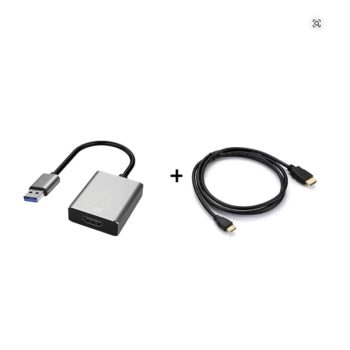
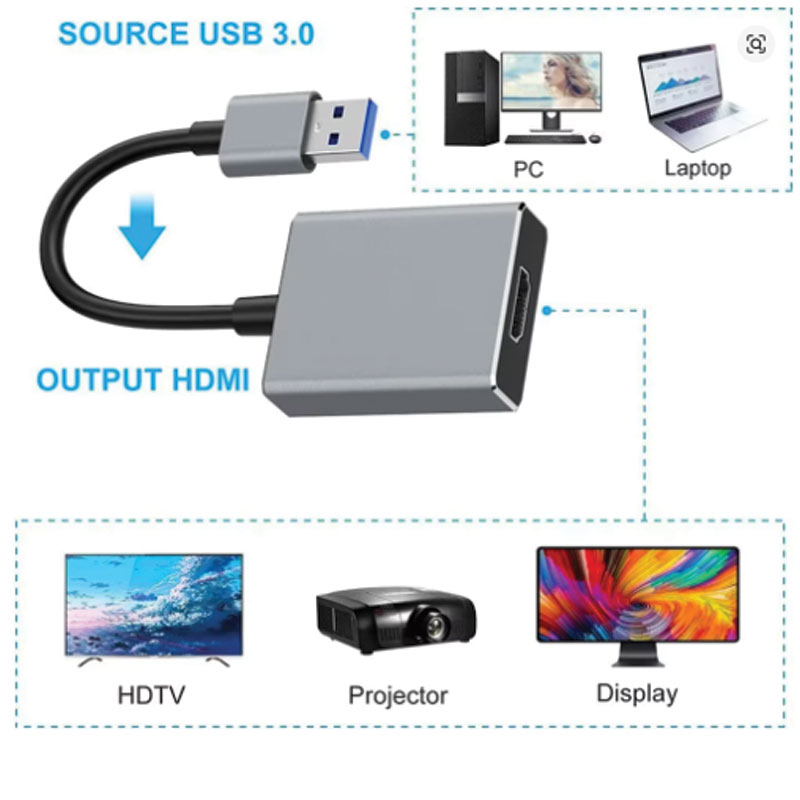
Easily expand your workspace or elevate your home entertainment setup with the USB 3.0 to HDMI Converter Adapter. Designed to connect your computer to an external monitor, HD TV, or projector, this compact device converts a standard USB port into an HDMI output, delivering crisp high-definition visuals. Featuring a high-speed USB 3.0 interface and CE certification, it ensures reliable, high-quality video and audio transmission for seamless multi-screen productivity or media viewing.
- Converts a standard USB connection into an HDMI-compatible output for external displays.
- Features a high-speed USB 3.0 interface for optimal video performance.
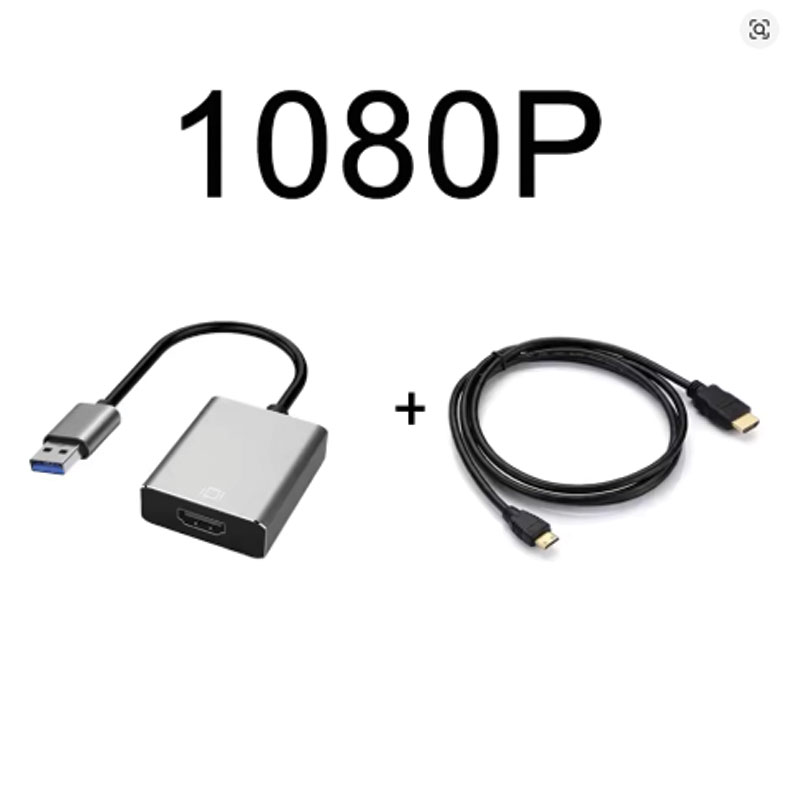
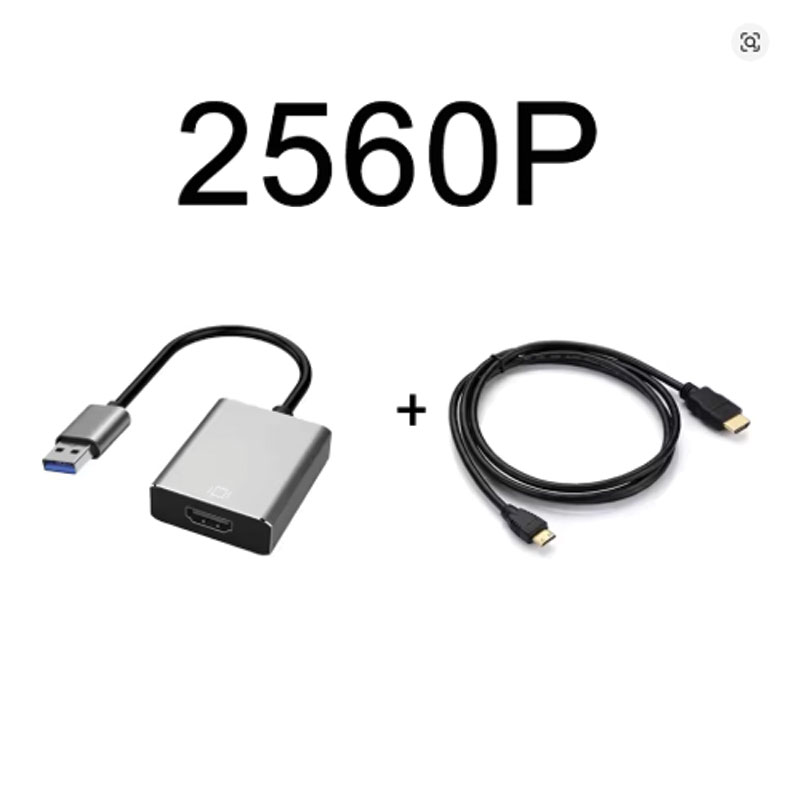
- Available in both 1080P and 2560P resolution color variants.
- Male-to-Female gender configuration (USB Male to HDMI Female).
Key Features
- High-Definition Output: Capable of supporting crisp resolutions, with specific variants available for 1080P or enhanced 2560P output to suit your specific display needs.
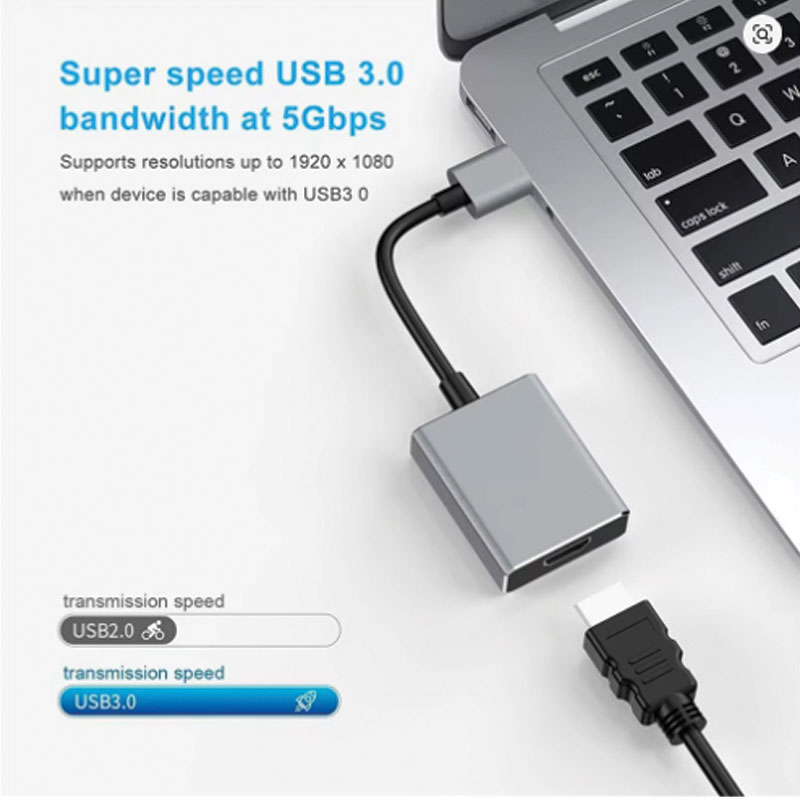
- Fast USB 3.0 Interface: Utilizes a high-bandwidth USB 3.0 connection to ensure smooth, lag-free video streaming and reliable screen mirroring.
- Durable Construction: Features a robust cable design with a 10mm outer diameter, providing excellent durability and protection against daily wear and tear.
- Audio and Video Sync: Engineered to support standard HDMI-compatible applications, including audio transmission for connected speakers or TV systems.
- Certified Reliability: Backed by a CE certification, guaranteeing that the adapter meets strict safety and performance standards for worry-free use.
Compatibility & Best Use
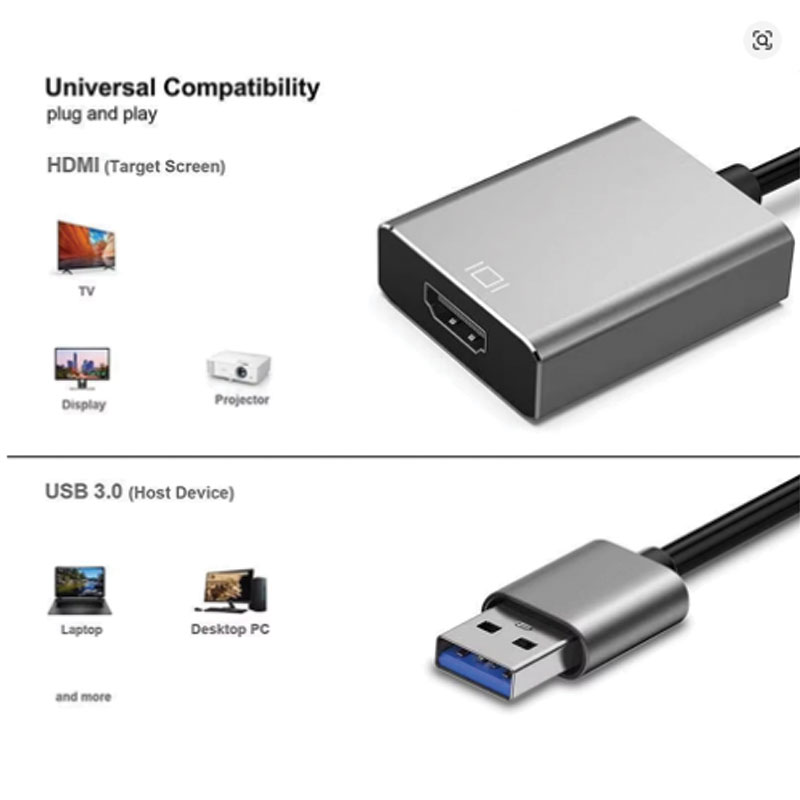
- Ideal for connecting desktop computers or laptops to external monitors, HD televisions, and presentation projectors.
- Perfect for users needing to extend their desktop for increased productivity or mirroring their screen for meetings and entertainment.
- Designed with a Male-Female connector configuration, allowing you to use your existing standard HDMI cables of varying lengths to reach your display.
Installation Tips
- Port Selection: For maximum resolution capabilities (such as the 1080P or 2560P options), ensure you plug the adapter directly into a blue USB 3.0 port on your computer rather than an older USB 2.0 port.
- Cable Connection: Insert the USB end into your computer, then connect a separate HDMI cable from the adapter’s female port to your external monitor or TV.
- Driver Installation: Many USB to HDMI converters require a one-time driver installation upon first plug-in; follow any on-screen prompts on your computer to complete the setup.
Product Specifications
| Product Name | USB to HDMI Converter |
| Model Number | V-P1067 |
| Connector A / Connector B | HDMI-Compatible (Female) / USB (Male) |
| Interface Feature | USB 3.0 |
| Resolution Variants | 1080P / 2560P |
| Cable Length Option | 1m |
| Outer Diameter | 10mm |
| Application | Speaker / External Monitor / TV / Projector |
| Certification | CE |
| High-Concerned Chemical | None |
| Origin | Mainland China |
Packing List
- 1 x USB 3.0 to HDMI Converter Adapter
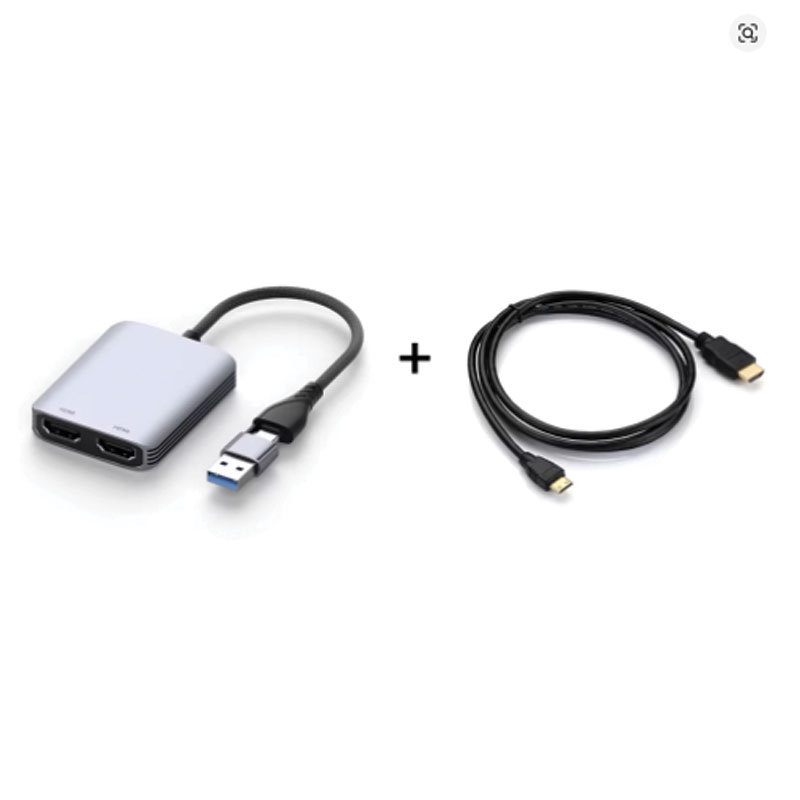
- Note: Depending on the specific bundle selected at checkout, a 1m HDMI cable may be included.
Warnings & Safety Notes
- Unidirectional Signal: This adapter only converts signals from a USB source (like a computer) to an HDMI display. It will not work in reverse (e.g., from an HDMI console to a USB port).
- USB 3.0 Requirement: While often backward compatible with USB 2.0, utilizing a USB 2.0 port will drastically reduce the maximum output resolution. Always use a USB 3.0 port for intended 1080P or 2560P performance.