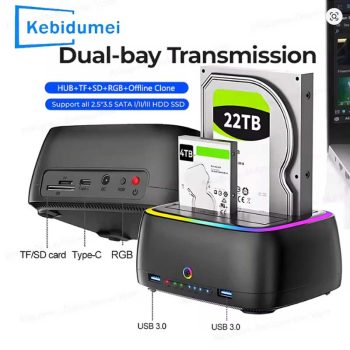
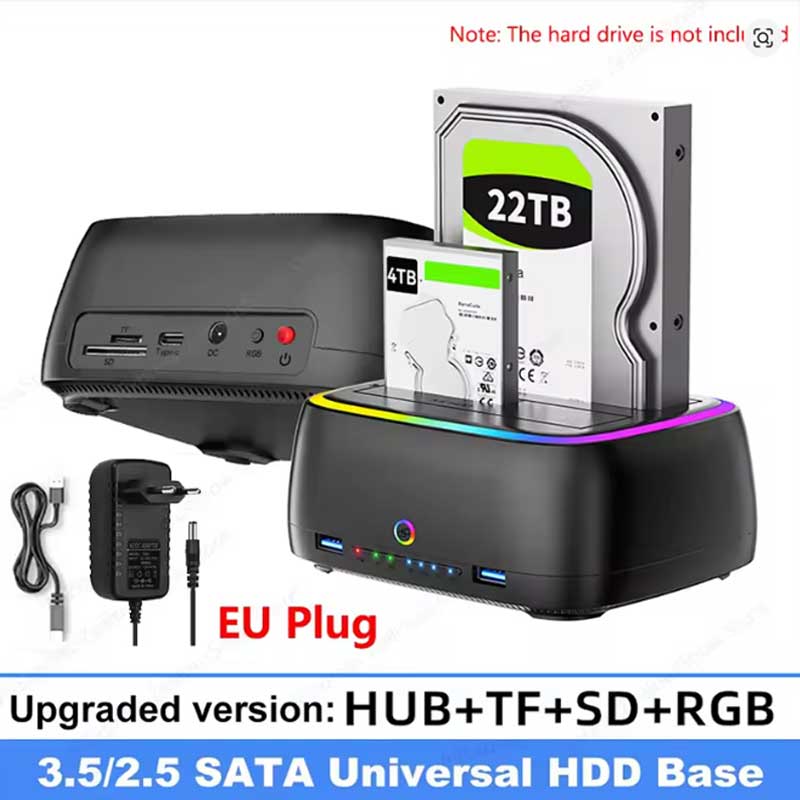
Kebidumei Dual-Bay RGB Hard Drive Docking Station

Manage your storage with the KEBIDUMEI Dual-Bay Hard Drive Docking Station. Supports 2.5/3.5-inch SATA HDD/SSDs up to 20TB, featuring one-click offline cloning, USB 3.0 speeds, TF/SD card slots, and vibrant RGB lighting.

Streamline your data management with the KEBIDUMEI Dual-Bay Hard Drive Docking Station. Engineered for seamless storage expansion and data recovery, this versatile USB 3.0 adapter supports both 2.5-inch and 3.5-inch SATA HDDs and SSDs. Featuring a stunning RGB light base, integrated TF/SD card readers, USB 3.0 hub ports, and a powerful one-click offline cloning function, it is the ultimate desktop companion for IT professionals, gamers, and digital creators looking to manage up to 20TB of data with ease.
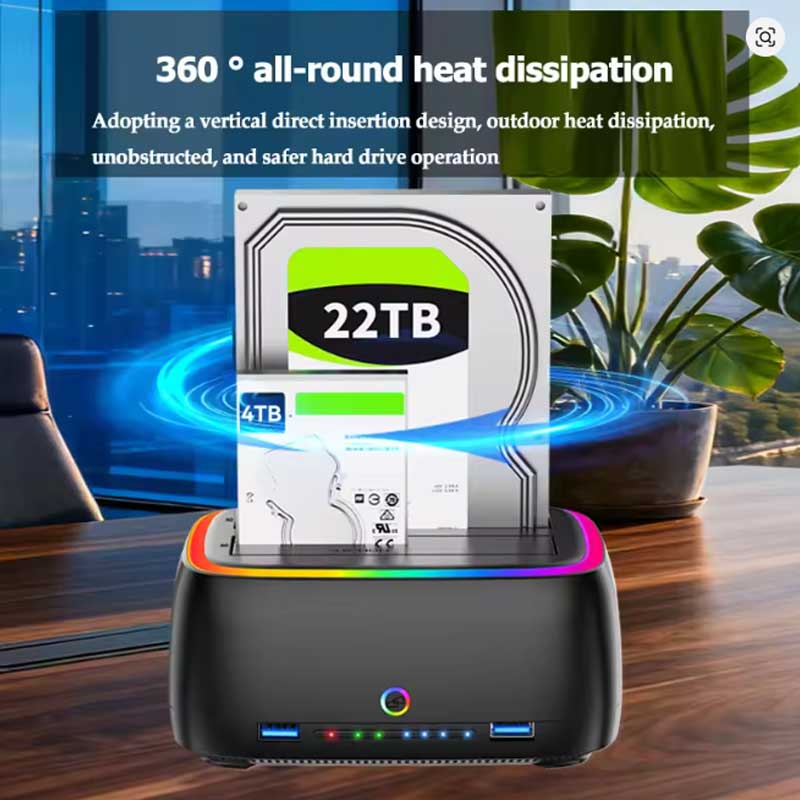
- Supports dual 2.5″ and 3.5″ SATA HDD/SSD drives simultaneously.
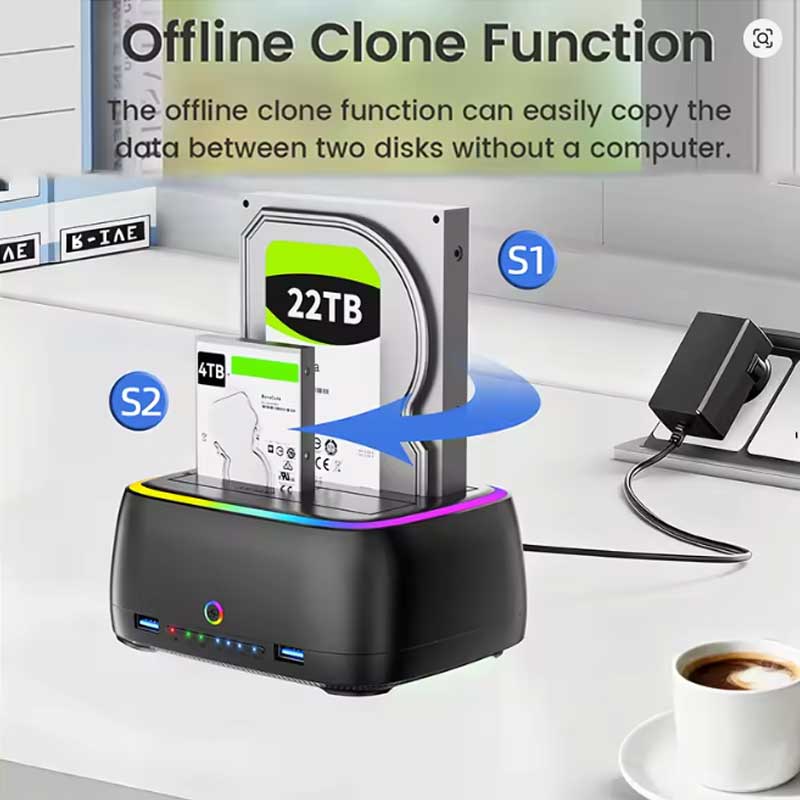
- Features a one-click offline cloning function without needing a PC connection.
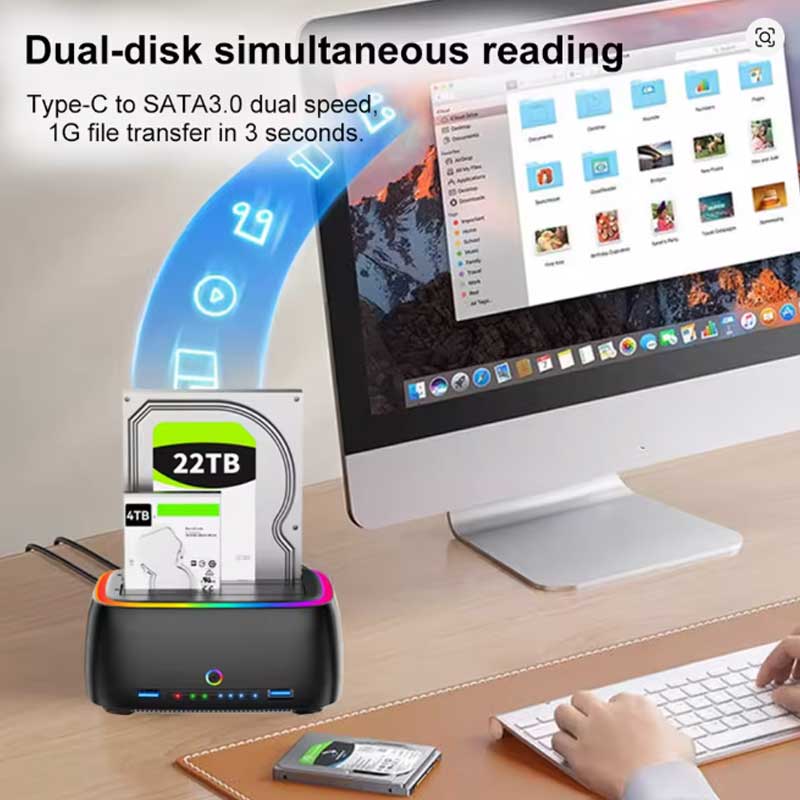
- High-speed USB 3.0 transmission with expanded TF/SD card and Type-C connectivity.
- Massive storage support up to 20TB capacity.
Key Features
- One-Click Offline Copying: Effortlessly duplicate data from one hard drive to another using the dedicated standalone clone function, requiring zero PC software or connection to operate.
- Broad Drive Compatibility: The dual-slot design perfectly accommodates both 2.5-inch and 3.5-inch SATA solid-state drives (SSDs) and hard disk drives (HDDs), offering maximum flexibility for your storage media.
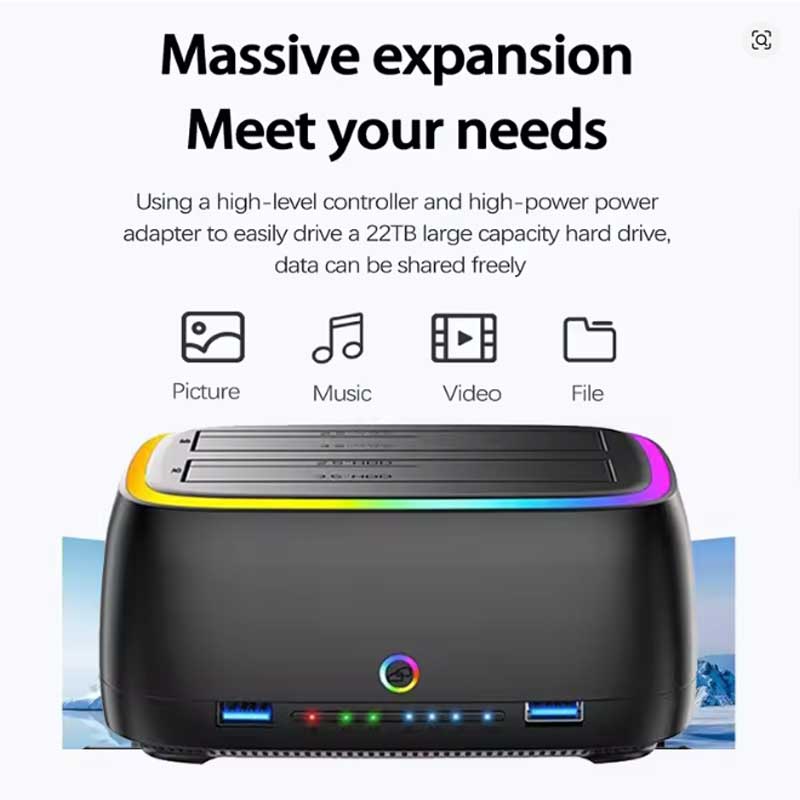
- Massive 20TB Capacity: Engineered to handle high-volume data needs, this robust docking station successfully supports hard drives with massive capacities of up to 20TB.
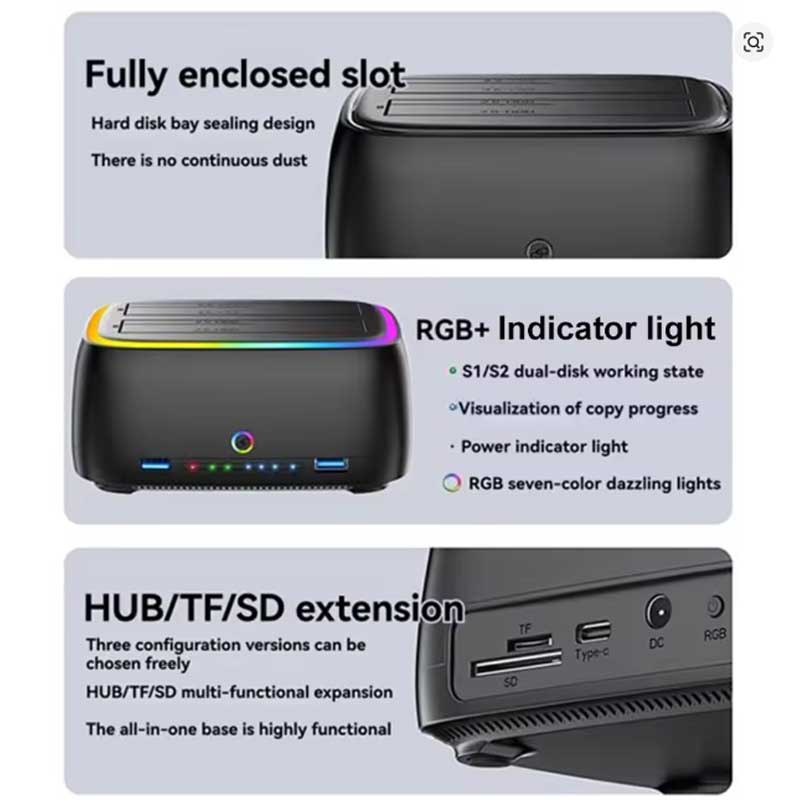
- Multi-Port Hub Expansion: Beyond drive mounting, the station features built-in USB 3.0 ports, a Type-C port, and TF/SD card reader slots to consolidate your desktop connectivity.
- Vibrant RGB Aesthetics: Designed with a stylish plastic casing that includes an eye-catching, dynamic RGB light strip around the base to elevate the look of your modern workstation or gaming desk.
Compatibility & Best Use
- Universally compatible with major operating systems, offering plug-and-play support for Window, Mac OS, and Linux systems.
- Ideal for IT technicians, video editors, and power users who need to rapidly clone drives, recover data from old SATA disks, or quickly swap massive project files.
- Perfectly handles standard 2.5″ laptop drives and full-size 3.5″ desktop SATA I/II/III drives.
Installation Tips
- Drive Insertion: Carefully align the SATA connectors on your 2.5″ or 3.5″ drive with the internal ports of the docking station before gently pressing down to secure the connection.
- Offline Cloning Setup: When using the one-click offline clone feature, you must ensure that the “Target” drive has an equal or larger capacity than the “Source” drive, or the process will fail.
- Safe Removal: Always use your operating system’s “Safely Remove Hardware” feature and power off the docking station before physically pulling any HDD or SSD from the dual bays to prevent data corruption.
Product Specifications
| Brand Name | kebidu / Kebidumei |
| Model Name | Dual Slots 2.5/3.5 Inch SATA SSD HDD Docking Station |
| Drive Support (Size) | 2.5″, 3.5″ |
| Interface Compatibility | SATA HDD/SSD to USB 3.0 |
| Maximum Capacity | Supporting Hard Drive Capacity up to 20TB |
| Operating Systems | Window / Mac OS/ Linux system |
| Primary Function | One click offline copying |
| Additional Ports | USB 3.0, TF/SD card, Type-C |
| Case Material | Plastic |
| High-Concerned Chemical | None |
| Origin | Mainland China |
Packing List
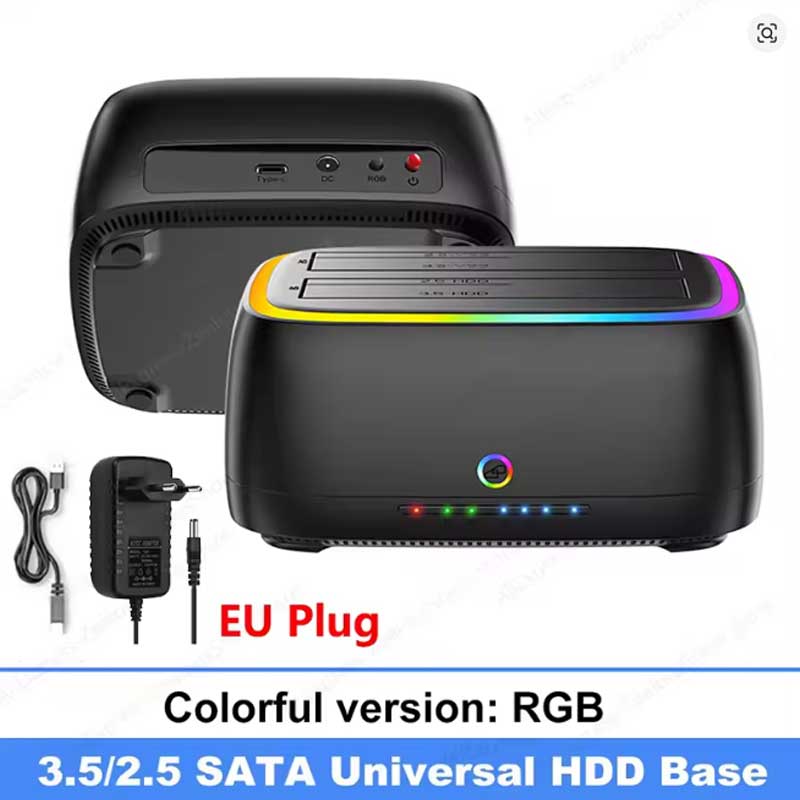
- 1 x KEBIDUMEI Dual-Bay Hard Drive Docking Station with RGB
- Note: Specific plug types (e.g., EU Plug) are available based on your selection at checkout.
Warnings & Safety Notes
- Data Loss Warning: Initiating the one-click offline cloning function will completely and irreversibly overwrite all existing data on the target drive. Always back up important files before cloning.
- Hot Swapping: Do not insert or remove hard drives from the bays while the device is powered on and actively reading/writing data. Doing so can cause electrical shorts or severe file corruption.