Dual bay HDD SSD docking station

Shop the Dual Bay 2.5"/3.5" SATA HDD SSD Docking Station. This 10Gbps M.2 NVMe enclosure features offline clone capabilities.

kebidu Dual Bay M.2 NVMe & SATA HDD/SSD Docking Station
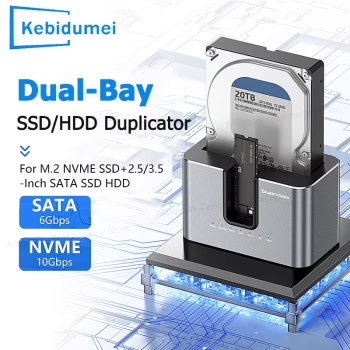
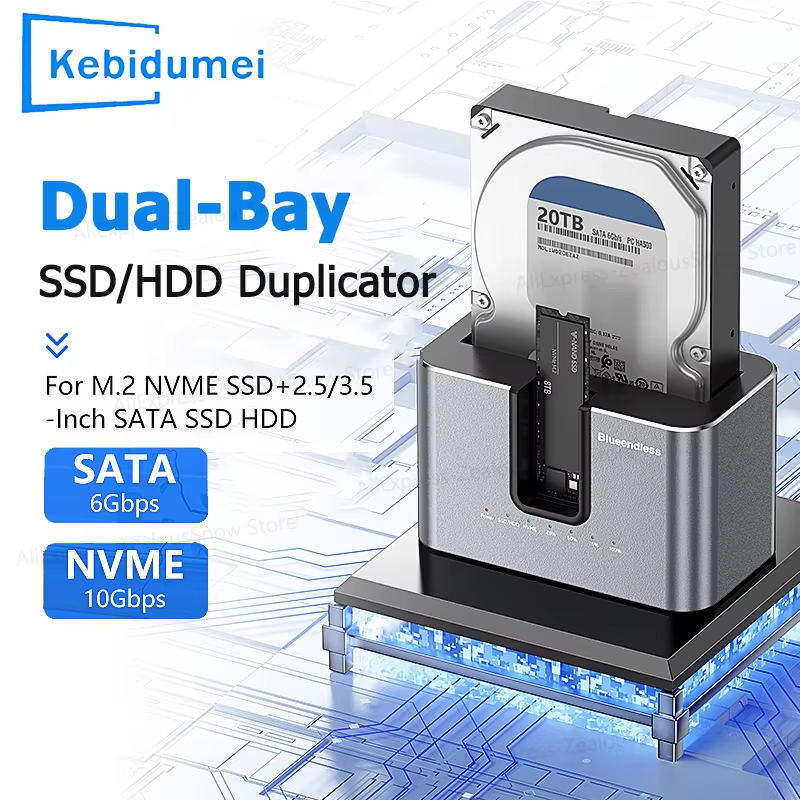
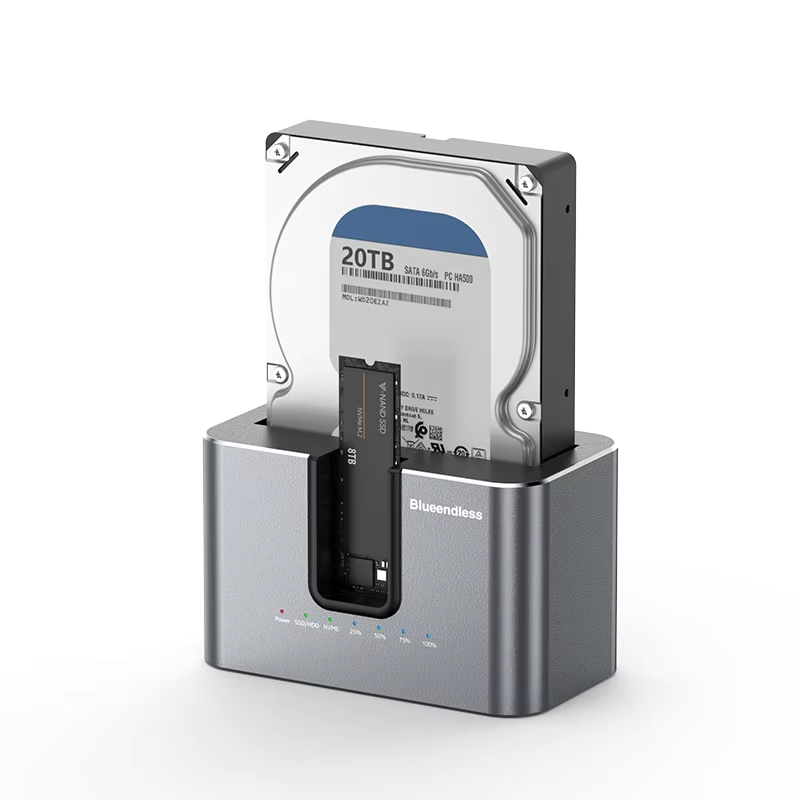
Streamline your data management with the kebidu Dual Bay Hard Drive Docking Station. Featuring bidirectional cross-protocol offline cloning and lightning-fast 10Gbps NVMe speeds, this versatile aluminum dock supports both M.2 NVMe SSDs and 2.5″/3.5″ SATA drives. With a massive 28TB combined capacity support and an independent power adapter, it’s the ultimate tool for secure, high-speed data transfer and automated backups.
- Dual Bay Support: Compatible with M.2 NVMe (M-Key/B-Key) and 2.5″/3.5″ SATA drives
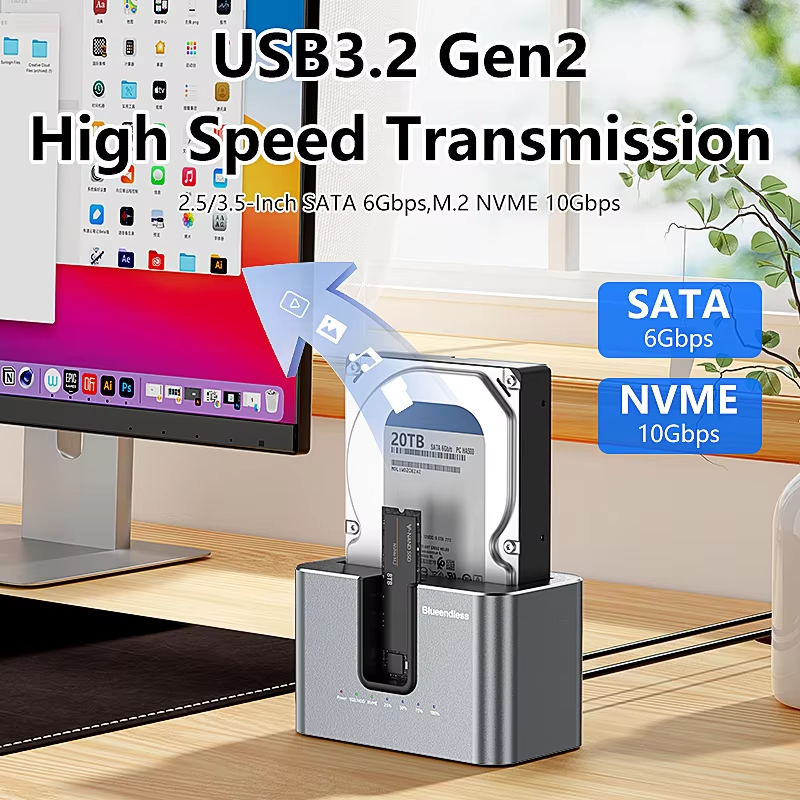
- High-Speed Transfer: Delivers up to 10Gbps for NVMe and 6Gbps for SATA connections
- Offline Cloning: Bidirectional cross-protocol offline clone function without a PC
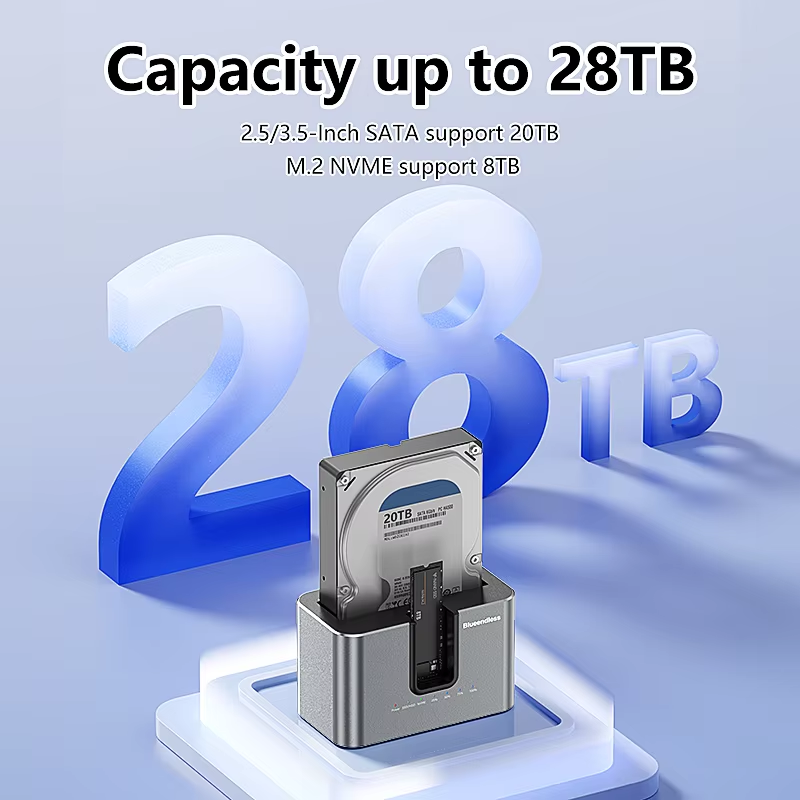
- Massive Capacity: Supports up to 28TB total (20TB SATA + 8TB NVMe)
Key Features
- Bidirectional Offline Cloning: Easily duplicate data directly between your NVMe and SATA drives without connecting to a computer, saving you immense time and effort during system upgrades or drive backups.
- Ultra-Fast 10Gbps Speeds: Experience blazing-fast data transfer rates up to 10Gbps for NVMe SSDs and 6Gbps for SATA drives, ensuring immediate access to large video files and digital archives.
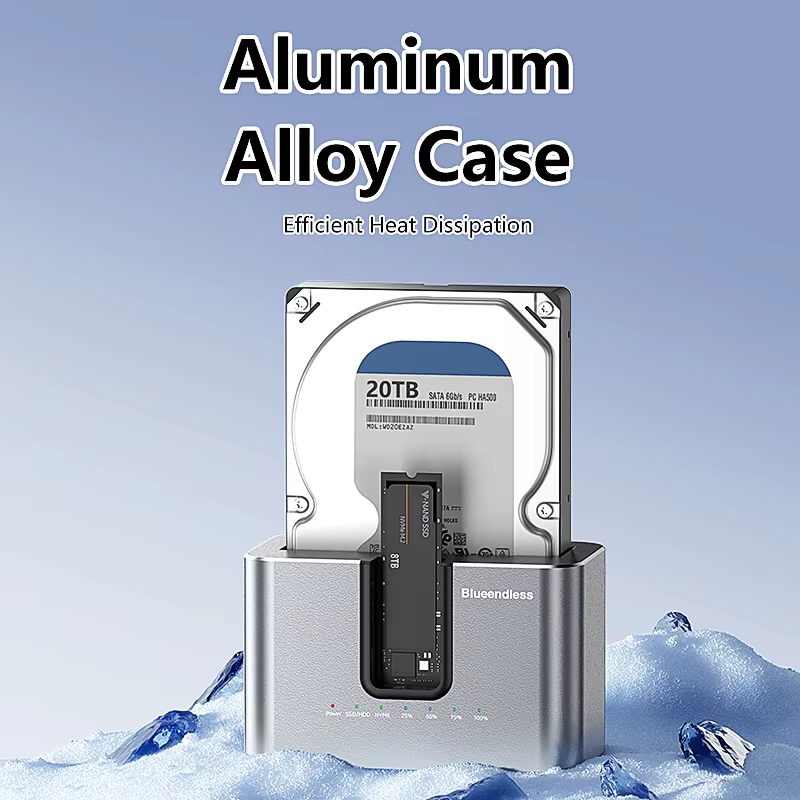
- Premium Aluminum Alloy Build: Constructed with a high-quality aluminum alloy case that provides excellent structural durability while offering superior passive heat dissipation to keep your high-speed drives cool.
- Massive 28TB Capacity: Engineered to support up to a staggering 20TB for SATA drives and 8TB for M.2 NVMe drives, providing ample workspace for IT professionals and media creators.
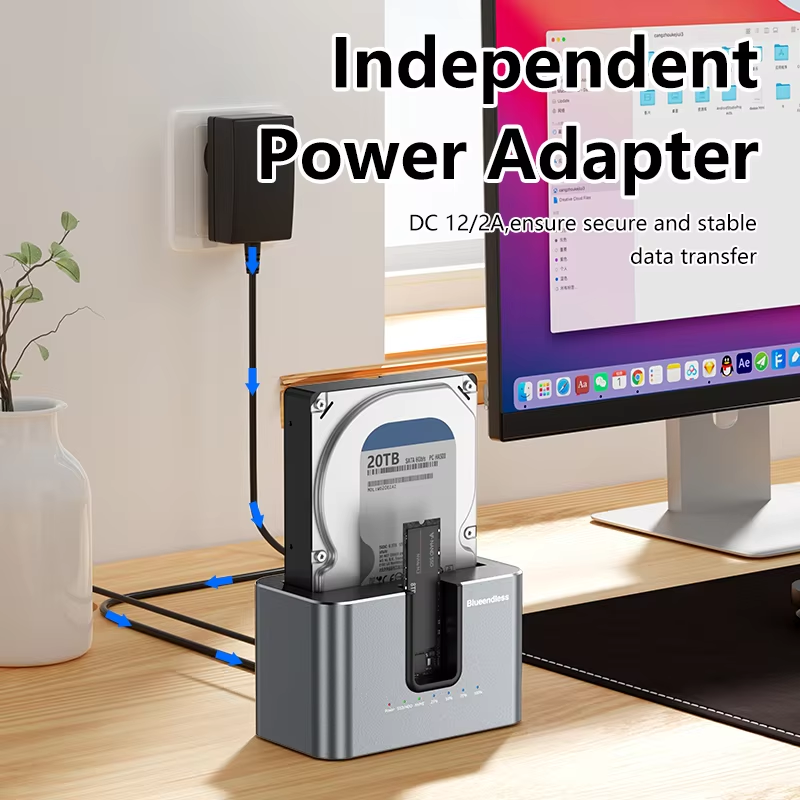
- Independent Power Supply: Equipped with a dedicated DC 12V/2A power adapter to ensure stable, reliable data transmission and sufficient continuous power for demanding 3.5-inch desktop hard drives.
Compatibility & Best Use
- Broad Drive Support: Seamlessly accommodates almost all standard storage drives including M.2 NVMe (M-Key & B&M-Key) solid-state drives and standard 2.5-inch or 3.5-inch SATA HDDs/SSDs.
- Universal OS Compatibility: Offers true plug-and-play functionality across a wide range of operating systems including Windows (11/10/8/7/XP), Mac OS, Linux, Android, and iOS.
- IT & Creative Professionals: The perfect, versatile desktop companion for videographers, IT technicians, and content creators who frequently need to access, clone, or swap multiple bare hard drives.
Installation Tips
- Drive Insertion: Always ensure the docking station is powered off before inserting or removing any SATA hard drives or delicate M.2 NVMe SSDs to prevent electrical shorts and data corruption.
- Offline Clone Setup: To use the offline clone feature, insert the source and target drives correctly, disconnect the USB data cable from the PC, and press the clone button to initiate the automated process.
- Power Connection: The included DC 12V/2A power adapter must be plugged into a wall outlet to provide adequate power, especially when spinning up 3.5-inch HDDs or performing dual-drive cloning operations.
Product Specifications
| Brand Name | kebidu |
|---|---|
| Product Type | 2-Bay USB3.0 / Type-C HDD & SSD Docking Station |
| Supported Drives | 2.5″/3.5″ SATA HDD/SSD & M.2 NVMe SSD |
| Transmission Rate | NVMe 10Gbps / SATA 6Gbps |
| Maximum Capacity | 28TB Total (SATA Support 20TB, NVMe Support 8TB) |
| Interface Type | 2-in-1, USB-C to USB-C/A |
| Case Material | Aluminum Alloy |
| Compatible Systems | Windows, Mac OS, Linux, Android, iOS |
Packing List
- 1 x kebidu Dual Bay SATA/NVMe Docking Station
- 1 x DC 12V/2A Independent Power Adapter
- 1 x 2-in-1 USB-C to USB-C/A Data Cable
- 1 x User Manual
- Note: Hard disk drives (HDD) and solid-state drives (SSD) are NOT included. Plug type (EU/US) depends on the variant selected at checkout.
Warnings & Safety Notes
- Data Backup Warning: When using the offline clone function, all existing data on the TARGET drive will be completely overwritten. Please back up any important files on the target drive before initiating a clone.
- Capacity Requirement: For offline cloning to work correctly, the total storage capacity of the Target drive MUST be equal to or larger than the Source drive.
- Hot-Swapping Danger: Never attempt to remove or insert a hard drive while the docking station is powered on or actively transferring data, as this can cause severe mechanical drive damage and permanent data loss.
- Normal Heat Dissipation: High-speed NVMe SSDs naturally generate significant heat during data transfers. The aluminum casing will feel warm to the touch; this is a normal part of the cooling process.