
Custom Size Golf Simulator Enclosure Hitting Screen Tent

Build your perfect practice space with this custom size golf simulator enclosure — includes hitting screen and sturdy cage tent. Easy to assemble for indoor or outdoor use. Ideal for home, garage, or backyard training.

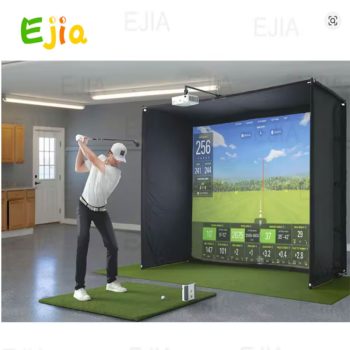
EJIA Custom Size Golf Simulator Enclosure – Indoor Outdoor Hitting Screen with Dual-Layer Impact Screen and Foam Padded Frame for Home Garage Studio
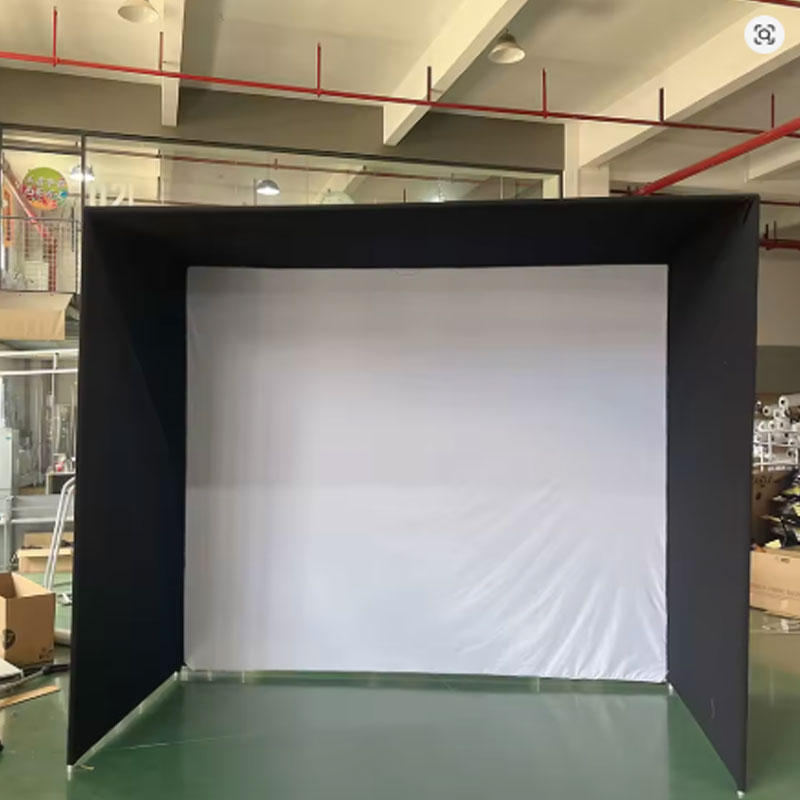
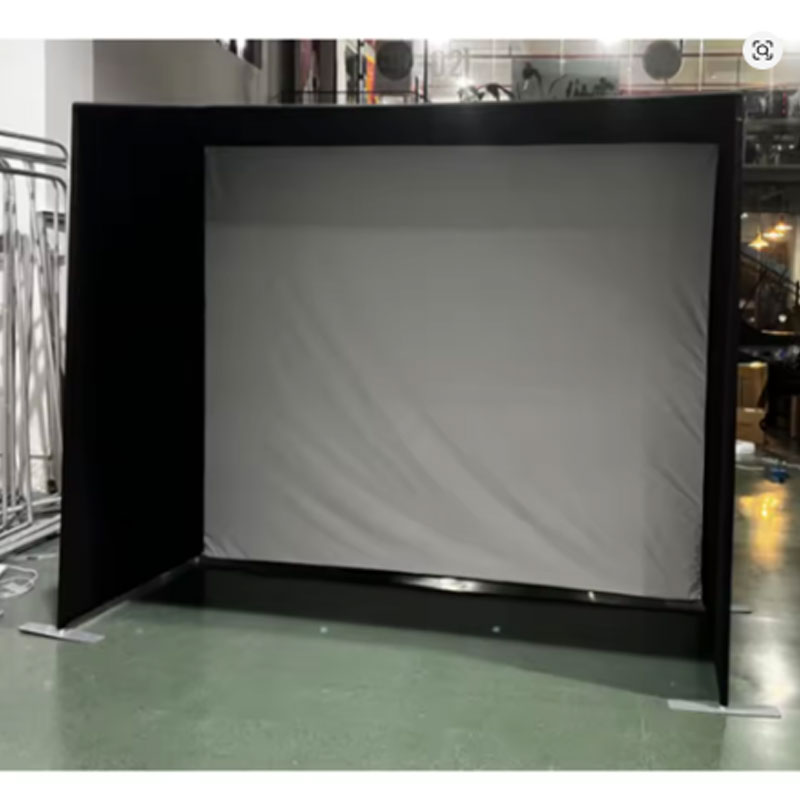
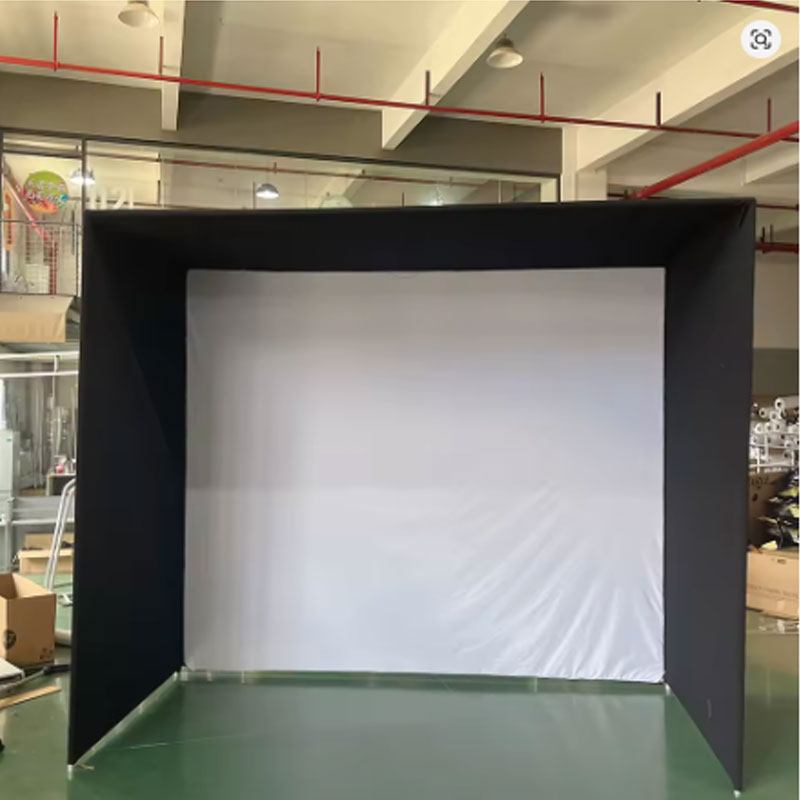
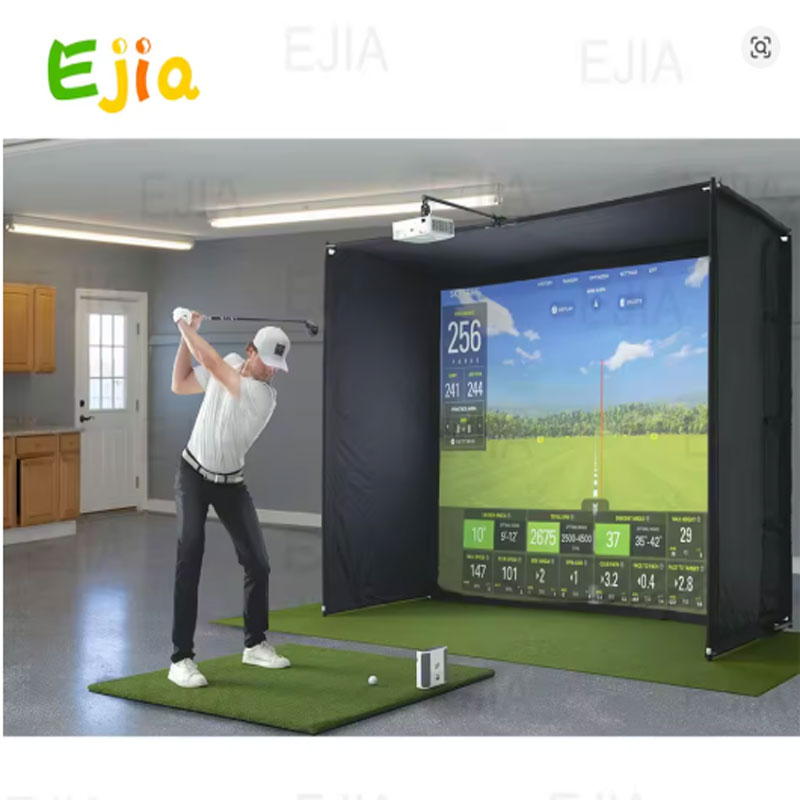
Transform your garage, basement, or backyard into a professional golf studio with the EJIA Custom Size Golf Simulator Enclosure. Available in 10x8FT, 12x8FT, and 14x8FT sizes, this complete enclosure features a reinforced dual-layer HD impact screen that withstands real golf balls at all swing speeds. The sturdy steel frame includes foam padding to minimize rebounding, while side and top barriers keep errant shots contained. Compatible with all major launch monitors and projectors (not included), this commercial-grade enclosure installs in 30 minutes or less. Perfect for home golf simulators, indoor practice, or outdoor setup.
- Dual-layer HD impact screen – withstands real golf balls, all swing speeds
- Sturdy steel frame with foam padding – reduces rebounding and protects walls
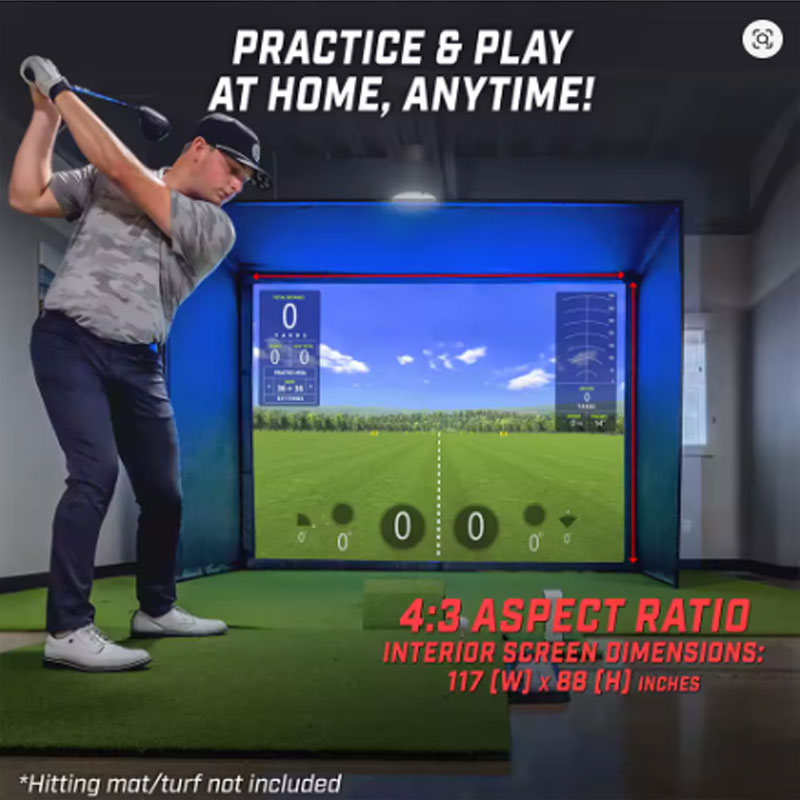
- Ideal 4:3 aspect ratio – perfect for golf simulator projection
- Easy assembly – install in 30 minutes with detailed instructions
- Custom sizes – 10×8, 12×8, 14×8 feet available
Why Choose EJIA Golf Simulator Enclosure
- Professional Simulator Enclosure – Provides the ideal 4:3 aspect ratio golf simulator screen with side and top enclosures. Turns any space into a professional indoor golf studio for year-round practice.
- Built to Last – Features a sturdy steel frame with a reinforced HD dual-layer impact screen. Tested for real golf balls at all swing speeds – from beginner chip shots to pro-level drives.
- Foam-Padded Frame – Thick foam padding on the inside of the steel frame minimizes ball rebounding and protects both the golfer and the enclosure structure. No more chasing wild ricochets.
- Universal Compatibility – Works seamlessly with all major launch monitors (Trackman, SkyTrak, Garmin R10, Bushnell, FlightScope, etc.) and projectors. Launch monitor and projector are not included.
- Great Value – Commercial grade enclosure at a fraction of custom-built prices. Easy 30-minute self installation means you save on professional installation fees.
- Home Garage Golf Simulator – Convert your standard 2-car garage into a golf practice facility. The 10x8FT or 12x8FT size fits perfectly in most garages with 9-10 ft ceilings.
- Basement Golf Studio – Ideal for basements with adequate ceiling height. Create a climate-controlled practice space for winter months.
- Home Theater and Golf Combo – Use the enclosure as both a golf simulator and a projection screen for movie nights. The HD impact screen doubles as a high-quality projection surface.
- Man Cave or Office – Add a golf simulator to your recreation room or executive office. Impress clients or enjoy after-hours practice.
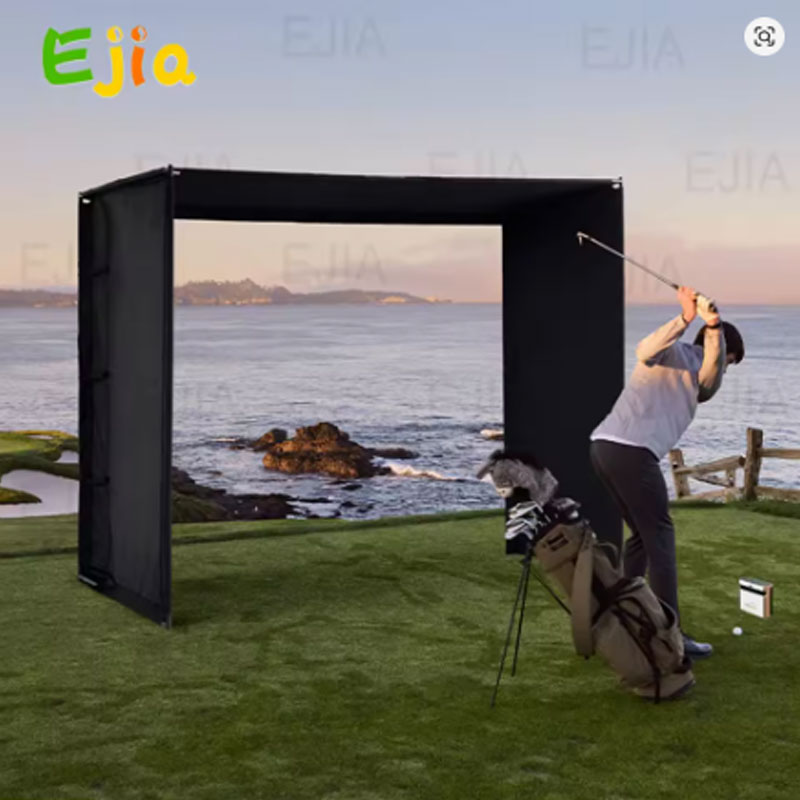
- Outdoor Setup – The enclosure can be used outdoors on patios or in backyards (when weather permits). Ensure the frame is secured against wind.
- Check Room Size Before Ordering – Recommended ceiling height is at least 9 feet. Verify your launch monitor’s required hitting distance (typically 6-10 ft from screen). Allow additional space behind the golfer.
- Clear the Space – Remove furniture, wall art, and delicate objects from the intended area. The enclosure depth is approximately 5 feet, but the golfer needs additional room behind.
- Assemble on Soft Surface – Lay out all frame components on a carpet or mat to prevent scratching. Follow the included instructions step by step without tightening fully until all pieces are connected.
- Mount the Impact Screen – Attach the dual-layer screen to the frame using the provided bungees or hook-and-loop system. Ensure the screen is taut but not over-stretched – even tension prevents wrinkles that affect projection quality.
- Position Your Launch Monitor – After assembly, set up your launch monitor at the manufacturer’s recommended distance. Calibrate and test with foam balls first before using real golf balls.
Product Specifications
Packing List
- 1 x Steel Frame Tubing Set (various lengths with connectors)
- 1 x Dual-Layer HD Impact Screen (size based on selection)
- 1 x Side and Top Barrier Netting / Fabric
- 1 x Foam Padding Set (for frame interior)
- 1 x Bungee Cord / Hook-and-Loop Attachment Kit
- 1 x Assembly Instruction Manual (detailed step-by-step)
- 1 x Hardware Kit (screws, caps, wrenches as needed)
- Launch monitor and projector NOT included
- Golf mat / hitting mat NOT included
Warnings and Safety Notes
- Use only in appropriate space – Ensure your room has at least 9 ft ceiling height and sufficient depth for your launch monitor’s requirements. Inadequate space increases injury risk.
- Secure the enclosure properly – For outdoor use, anchor the frame to the ground or weigh down with sandbags. Wind can topple an unsecured frame.
- Always stand behind the designated hitting area – Do not stand outside the side barriers. Errant shots can exit through openings if not properly positioned.
- Inspect screen regularly – Check for tears or wear before each session. A worn impact screen may fail and allow a golf ball to pass through.
- Children and pets – Keep children and pets behind the golfer and away from the impact area. The foam padding reduces but does not eliminate rebound injuries.
- Not for non-golf use – Do not use the enclosure for baseball, cricket, or other sports. The screen and frame are designed specifically for golf balls.
- Use proper lighting – Avoid pointing bright lights, projectors, or sunlight directly at the impact screen from behind. This reduces visibility and can create glare hazards for the golfer.
- Check frame stability periodically – Retighten all connections after the first few sessions and monthly thereafter. Vibrations from ball impacts can loosen fittings over time.
- Do not climb on the frame – The steel frame is not designed to support human weight. Never climb or hang from the enclosure structure.
- Use foam balls for initial testing – When setting up your launch monitor for the first time, use foam practice balls to calibrate before switching to real golf balls.
Watch the EJIA Golf Simulator Enclosure in action:
Price: US $989.00 | US $11.00 off over US $11.01
Tax excluded: Added at checkout if applicable
Size options: 10x8FT (3×2.4m) or 12x8FT (3.6×2.4m) – contact seller for 14x8FT and other custom sizes
Color: Golf Simulator (black/white/green as pictured)
Sales: 126+ sold from EJIA Official Store